
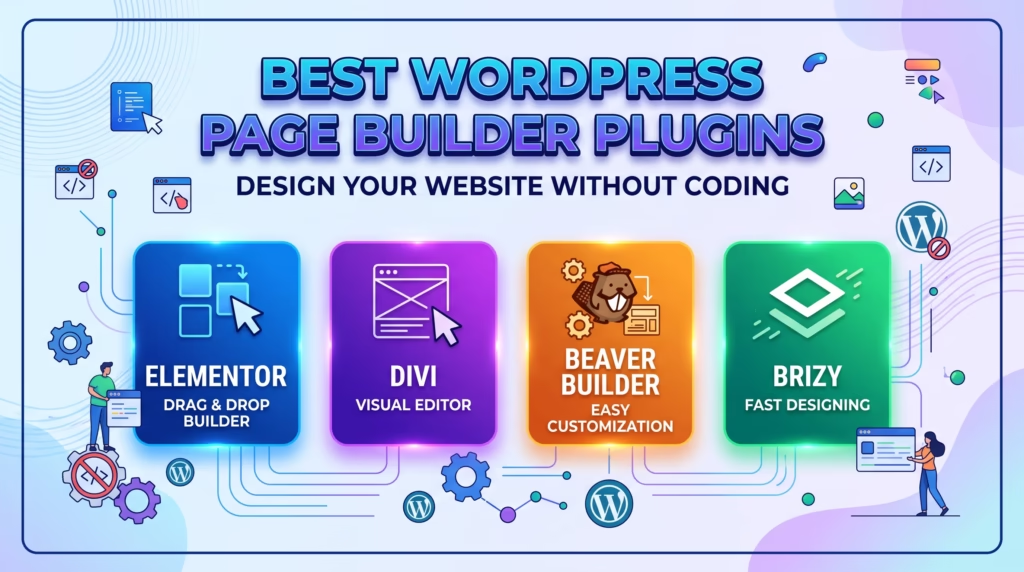
Building a professional website no longer requires advanced coding skills. With the right tools, WordPress users can create custom layouts, landing pages, business websites, and even online stores using visual editors.
WordPress page builder plugins make this process easier by allowing you to design pages through drag-and-drop interfaces. Instead of writing HTML, CSS, or PHP for every design element, you can add sections, images, buttons, forms, and other components visually.
But with so many page builders available, choosing the right one can be challenging. In this guide, we’ll look at some of the best options, what features to consider, and how to choose a page builder that fits your website.
Why Use WordPress Page Builder Plugins?
The standard WordPress editor works well for creating basic content, but businesses and website owners often need more control over page layouts and visual design.
Page builders can provide greater flexibility without requiring extensive development knowledge. You can create custom page structures, adjust spacing and typography, add visual elements, and preview changes as you build.
They can be especially useful for:
- Business websites
- Landing pages
- Portfolio websites
- Blogs and content sites
- Ecommerce stores
- Marketing pages
- Custom service pages
For beginners, the biggest advantage is the ability to build and modify pages visually instead of depending on a developer for every small design change.
What to Look for in WordPress Page Builder Plugins
Not every page builder provides the same experience. Before choosing one, consider how easy it is to use, how much design flexibility it provides, and how it affects website performance.
A good page builder should offer an intuitive visual editor, responsive design controls, reusable templates, useful widgets, and compatibility with your WordPress theme and plugins.
Performance is another important consideration. Some builders can add additional CSS and JavaScript to pages, potentially affecting loading times. Look for a solution that gives you the design flexibility you need without unnecessarily increasing page weight.
You should also consider pricing, available templates, third-party integrations, support, updates, and whether the builder provides features you actually need.
Best WordPress Page Builder Plugins
Elementor
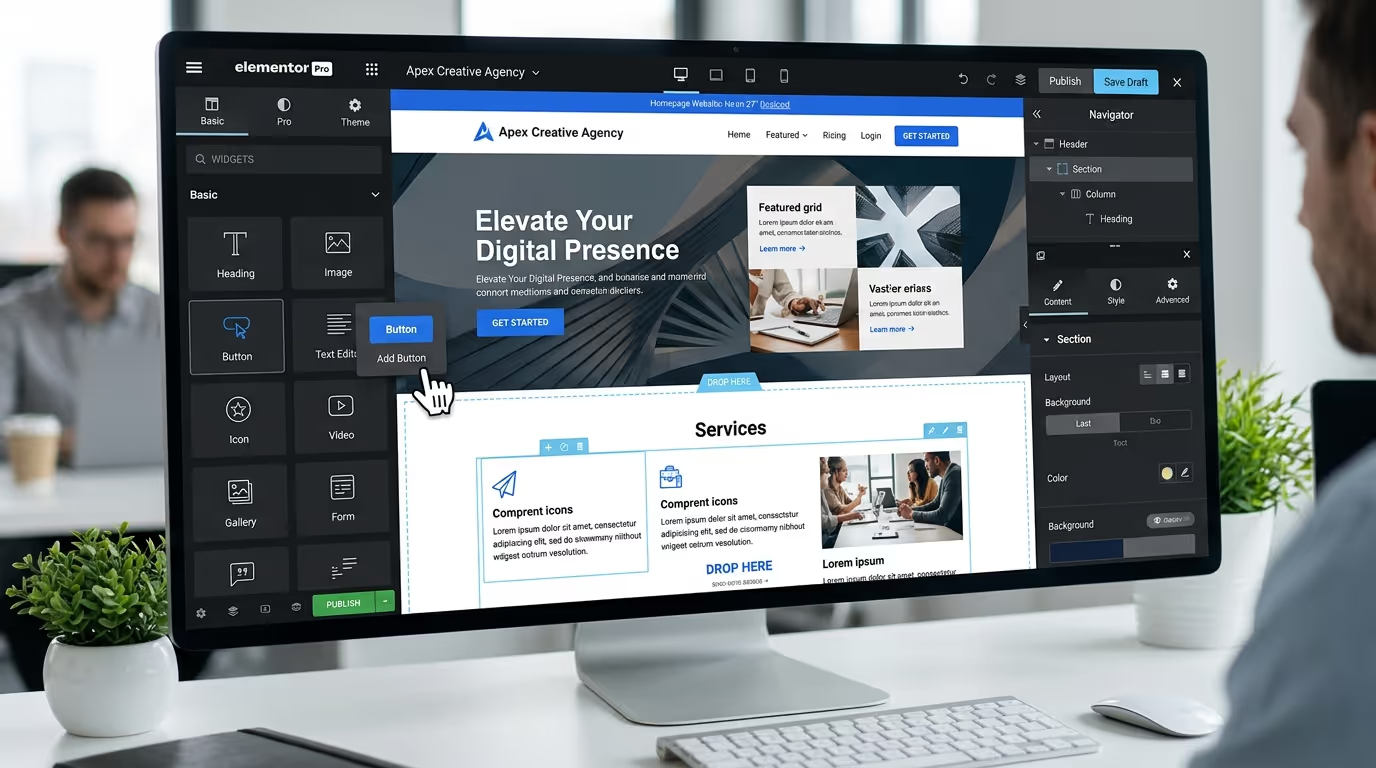
Elementor is one of the most widely used visual page builders for WordPress. It provides a drag-and-drop editor that allows users to create page layouts visually.
Its interface makes it accessible to beginners while providing advanced design controls for more experienced users. Elementor also offers templates and widgets that can speed up the design process.
It can be a strong choice if you want a flexible visual editor with plenty of design options.
Beaver Builder
Beaver Builder focuses on providing a straightforward page-building experience. Its visual editor allows users to create layouts without needing to write code.
It is particularly appealing to users who value simplicity and want a reliable tool for creating professional WordPress pages.
WPBakery Page Builder
WPBakery is a long-established WordPress page builder that provides both front-end and back-end editing options.
It includes a range of content elements and templates that can help users create customized layouts. Because it has been around for many years, it is also compatible with a wide range of WordPress themes and extensions.
Divi Builder
Divi Builder is part of the Divi ecosystem and provides a visual editing experience for creating WordPress pages.
It offers extensive customization options, pre-designed layouts, and tools for creating visually detailed pages. It can be useful for designers and businesses that want greater control over their website’s appearance.
Brizy
Brizy provides a visual drag-and-drop editor designed to make page creation straightforward. Its interface focuses on simplifying the process of arranging content and designing pages.
It can be a suitable option for users who want a modern visual editing experience without dealing with complicated development processes.
Building a website shouldn’t mean sacrificing performance for design. Our Custom WordPress Website Development services help businesses create professional, responsive, and conversion-focused websites tailored to their goals.
Get in touch with TecHippo today for a free consultation and let’s build a WordPress website that looks great and performs even better.
Choosing the Right WordPress Page Builder Plugin
The best option depends on your website requirements rather than simply choosing the builder with the most features.
If you’re a beginner, prioritize ease of use and a simple interface. If you’re building complex business websites, you may need more advanced design controls and integrations.
For landing pages, focus on templates, conversion-focused elements, forms, and responsive controls. For ecommerce websites, make sure the builder works well with WooCommerce and supports the layouts and product elements you need.
You should also think about the future of your website. Switching page builders later can be complicated, particularly if your pages depend heavily on builder-specific elements.
Free vs Premium Page Builders
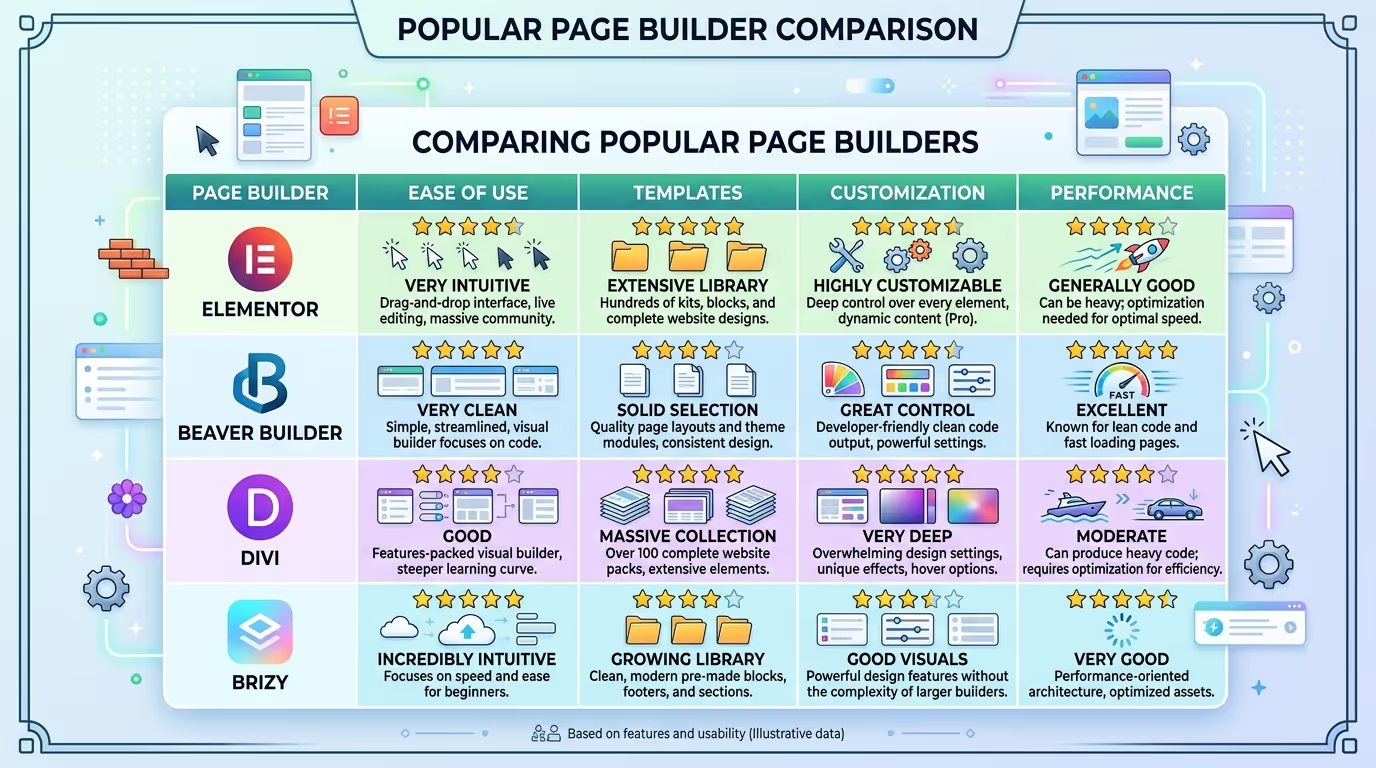
Many WordPress page builder plugins offer free versions with basic editing tools, while premium plans unlock additional widgets, templates, design controls, integrations, and advanced features.
A free version may be enough if you only need simple page layouts. However, businesses and agencies may benefit from premium features that provide greater control and reduce the time required to build complex pages.
Before paying for a premium plan, identify which features you actually need. There’s little benefit in paying for dozens of advanced features that you won’t use.
How Page Builders Affect Website Performance
Design flexibility should not come at the expense of website performance.
Page builders can make it easier to create visually complex pages, but excessive animations, widgets, third-party scripts, large images, and unnecessary design elements can make pages heavier.
To maintain good performance:
- Use optimized images.
- Avoid unnecessary animations.
- Remove unused widgets and elements.
- Keep plugins to a reasonable number.
- Use caching where appropriate.
- Monitor Core Web Vitals.
- Test important pages after making major design changes.
A visually impressive website still needs to load quickly and provide a smooth experience across desktop and mobile devices.
WordPress Page Builder Plugins and Responsive Design
A page that looks excellent on a desktop may not work well on a smartphone.
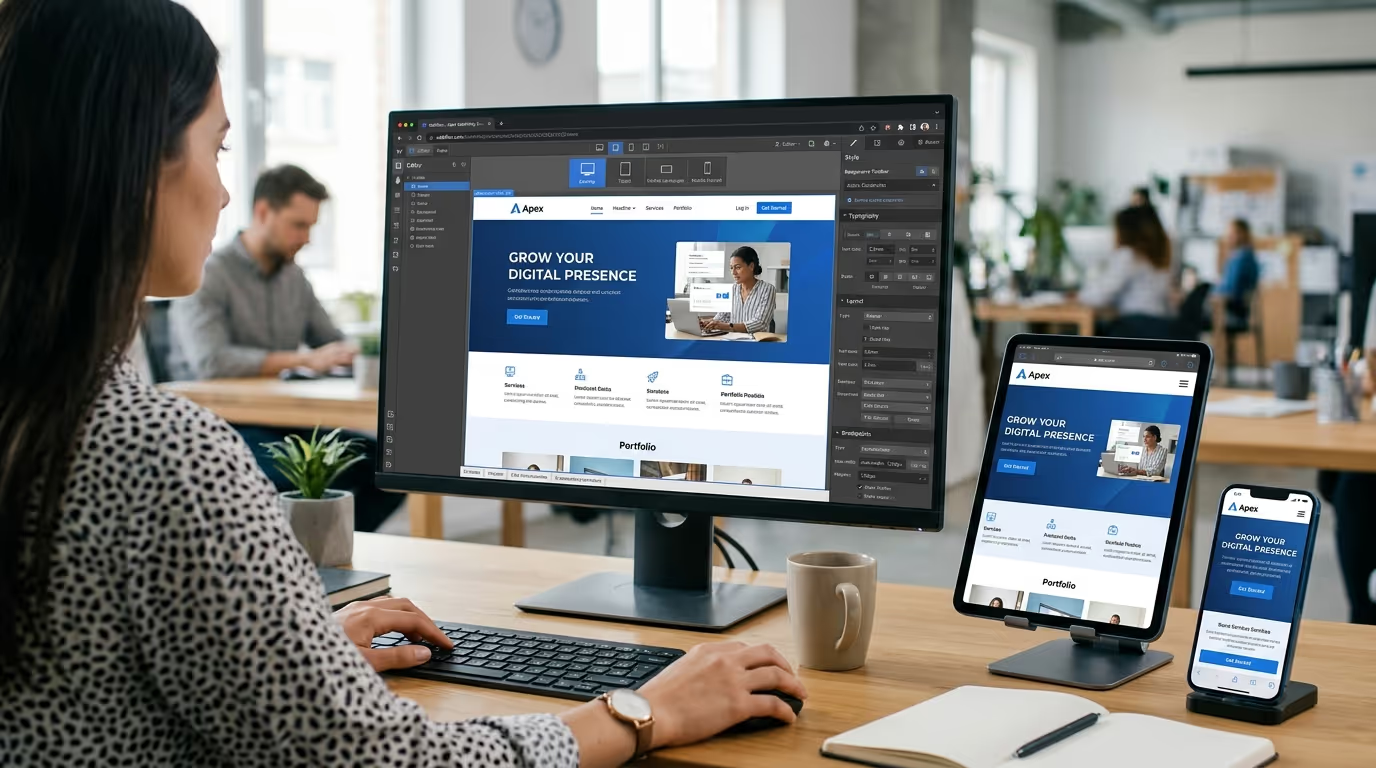
When designing pages, always check how your layouts behave at different screen sizes. Columns may need to stack, text sizes may need adjustment, and buttons may require additional spacing for touchscreens.
A good page builder should provide responsive controls that allow you to adjust elements for desktop, tablet, and mobile views.
This gives you greater control over how visitors experience your website regardless of the device they’re using.
Common Page Builder Mistakes to Avoid
One of the biggest mistakes is adding too many design elements simply because they’re available. Excessive animations, pop-ups, sliders, widgets, and decorative effects can make a website confusing and slow.
Another common mistake is ignoring consistency. Your typography, colors, spacing, buttons, and layouts should follow a clear visual system across your website.
It’s also important not to rely entirely on templates without customizing them for your brand and audience. A template can provide a useful starting point, but your content and design should reflect your actual business.
Finally, always test your website after making significant changes. Check mobile layouts, links, forms, page speed, and overall usability before publishing.
When Should You Use a WordPress Page Builder?
A page builder can be a great choice when you need greater design flexibility than the standard WordPress editor provides.
It’s particularly useful when you regularly create landing pages, marketing campaigns, service pages, or custom layouts and want to make changes without editing code.
However, you don’t necessarily need a page builder for every WordPress website. Simple websites may work perfectly well with the standard editor and a lightweight theme.
The right approach depends on how much design control your website requires and who will manage it.
The right page builder can simplify website management, but professional strategy and development can take your website much further. TecHippo provides Custom WordPress Website Development, WordPress Website Redesign, WooCommerce Development, and SEO & Growth Optimization to create websites built around your business objectives.
Contact TecHippo today for a free consultation and let’s create a website designed for performance, usability, and growth.
Conclusion
WordPress page builder plugins have made website design more accessible to businesses, marketers, and beginners. With drag-and-drop editing, responsive controls, templates, and reusable design elements, you can create professional pages without writing extensive code.
However, the best page builder isn’t necessarily the one with the most features. Consider ease of use, design flexibility, performance, compatibility, pricing, and your website’s long-term requirements before making a decision.
Choose a tool that fits your needs, keep your designs focused, optimize your pages for performance, and always prioritize the experience of your visitors.


 Reach us on WhatsApp