
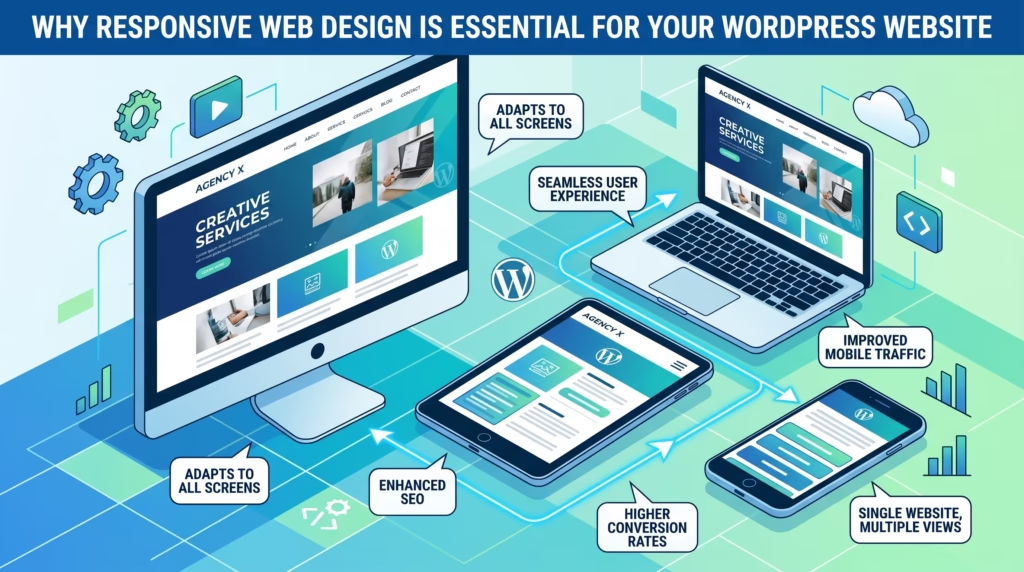
Think about the last time you visited a website on your phone and had to pinch, zoom, and scroll sideways just to read the content. Frustrating, right? That experience is exactly what responsive web design is designed to eliminate.
Today more than half of all global web traffic comes from mobile devices. If your WordPress website is not built to adapt to every screen size — from smartphones and tablets to desktops and laptops — you are losing visitors, rankings, and revenue every single day.
In this guide we will break down what responsive web design is, why it is essential for your WordPress website, and how you can make sure your website delivers a great experience on every device your visitors use.
What Is Responsive Web Design
Responsive web design is an approach to building websites that automatically adjusts the layout, content, and visual elements of a page based on the screen size and device being used to view it.
Rather than building separate versions of a website for desktop and mobile, a responsive website uses flexible grids, fluid images, and CSS media queries to deliver a seamless experience across all devices with a single codebase.
In simple terms — a responsive web design looks great and works perfectly whether someone visits your website on a large desktop monitor, a tablet, or a small smartphone screen.
For WordPress website owners this means your visitors always see a clean, readable, and fully functional version of your website regardless of what device they are using. This is no longer a nice-to-have feature — it is a fundamental requirement for any modern website.
How Responsive Web Design Works
Understanding how responsive web design works helps you make better decisions when building or redesigning your WordPress website.
At its core responsive web design relies on three technical principles working together:
Fluid Grids
Instead of fixed pixel-based layouts, responsive websites use proportional grids that scale relative to the screen size. Elements resize and reflow automatically as the viewport changes — so a three-column layout on desktop might become a single column layout on mobile.
Flexible Images
Images in a responsive design scale within their containing elements rather than overflowing beyond the screen boundaries. This prevents images from breaking the layout on smaller screens while still displaying at full size on larger ones.
CSS Media Queries
Media queries are CSS rules that apply different styles based on the device’s screen width, resolution, or orientation. They allow developers to define specific layout rules for different breakpoints — for example applying different font sizes, spacing, and column arrangements for mobile, tablet, and desktop views.
Together these three principles allow a single WordPress website to deliver an optimized experience across every screen size without requiring separate websites or redirect-based mobile versions.
Why Responsive Web Design Matters for SEO
Responsive web design and SEO are deeply connected — and Google has made this connection official through its mobile-first indexing policy.
Since Google switched to mobile-first indexing, it now uses the mobile version of your website as the primary version for crawling, indexing, and ranking. This means if your WordPress website is not responsive, Google is evaluating a broken or poorly formatted version of your content — and ranking it accordingly.
Here is exactly how responsive web design impacts your SEO:
- Mobile-first indexing means a non-responsive website is at an immediate disadvantage in search rankings regardless of content quality
- Page experience signals including Core Web Vitals are evaluated on mobile first — a non-responsive website almost always fails these metrics on smaller screens
- Higher bounce rates from poor mobile experiences send negative engagement signals to Google that directly affect rankings
- Consolidated link equity — a single responsive URL means all backlinks point to one page rather than being split between desktop and mobile versions
- Faster indexing as Google only needs to crawl one version of your website instead of separate desktop and mobile versions
- Improved dwell time as visitors on mobile devices stay longer on websites that are easy to read and navigate on their screen
For any WordPress website serious about responsive web design and SEO, mobile optimization is not optional — it is the foundation everything else is built on. Our SEO & Growth Optimization and Custom WordPress Website Development services always include full mobile responsiveness as a standard requirement.
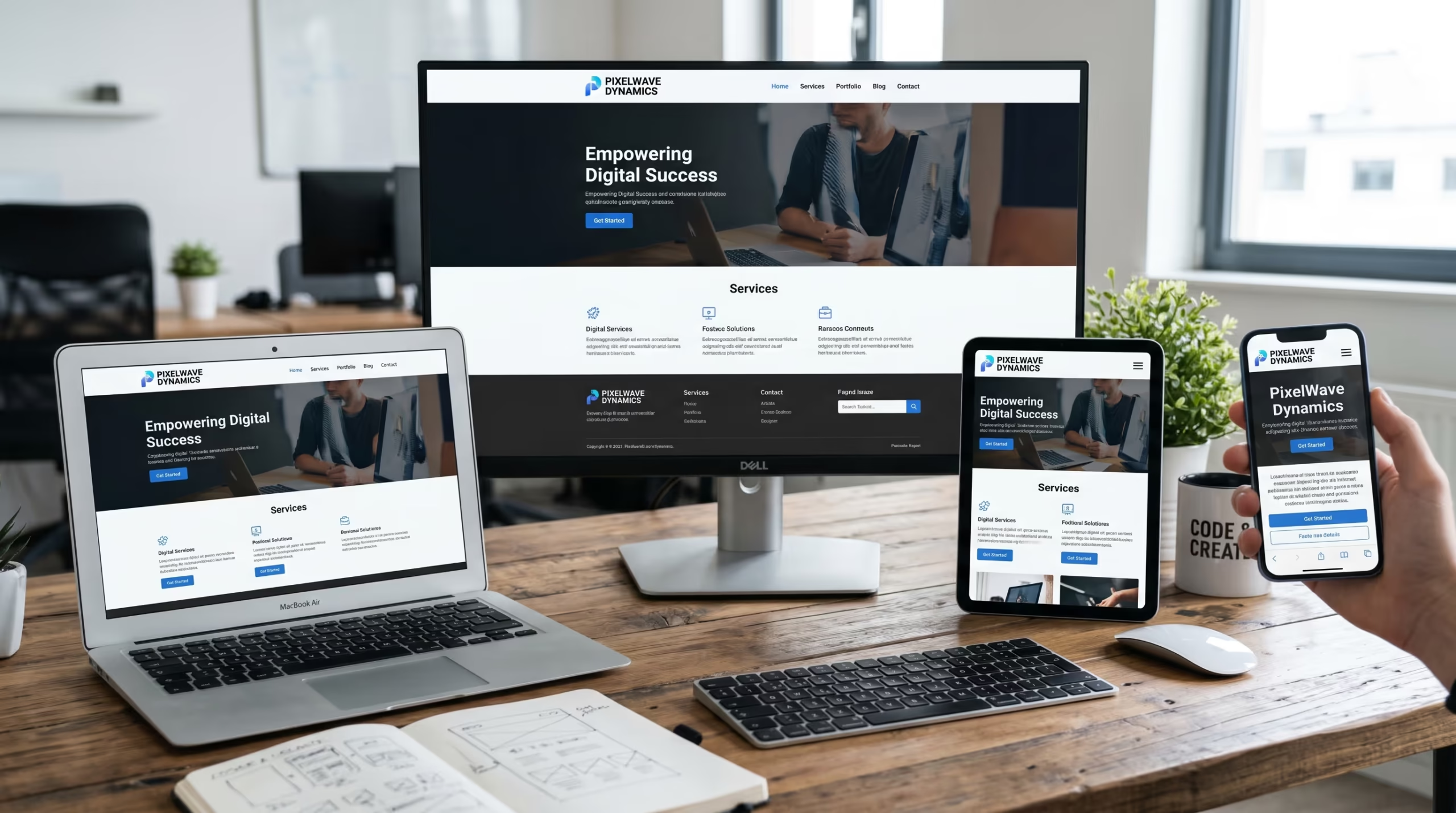
A non-responsive WordPress website is losing you rankings, visitors, and customers every single day — often without you even realizing it.
Our Custom WordPress Website Development and WordPress Website Redesign services are built to deliver fully responsive websites that look great and perform perfectly on every device your visitors use.
Get in touch with TecHippo today for a free consultation and let’s make your website responsive the right way.
Responsive Web Design and User Experience
A great user experience and responsive web design go hand in hand. When visitors land on your website from any device they expect a smooth, readable, and intuitive experience from the very first second.
A non-responsive website forces mobile visitors to zoom in to read text, scroll horizontally to see content, tap tiny buttons that are impossible to click accurately, and wait for oversized images that were never optimized for smaller screens. Every one of these friction points increases the likelihood that a visitor leaves without taking any action.
A properly implemented responsive web design eliminates all of these issues by:
- Displaying text at a readable size on every screen without requiring zoom
- Stacking and reordering content logically so the most important information appears first on smaller screens
- Sizing buttons and tap targets appropriately for touchscreen navigation
- Scaling images correctly so they load at the right size for each device
- Adjusting spacing and padding so content never feels cramped or overflowing on any screen
For WordPress website owners the practical result is lower bounce rates, longer session durations, more pages visited per session, and significantly higher conversion rates from mobile visitors — who now make up the majority of web traffic globally.
Responsive Web Design vs Non-Responsive Websites
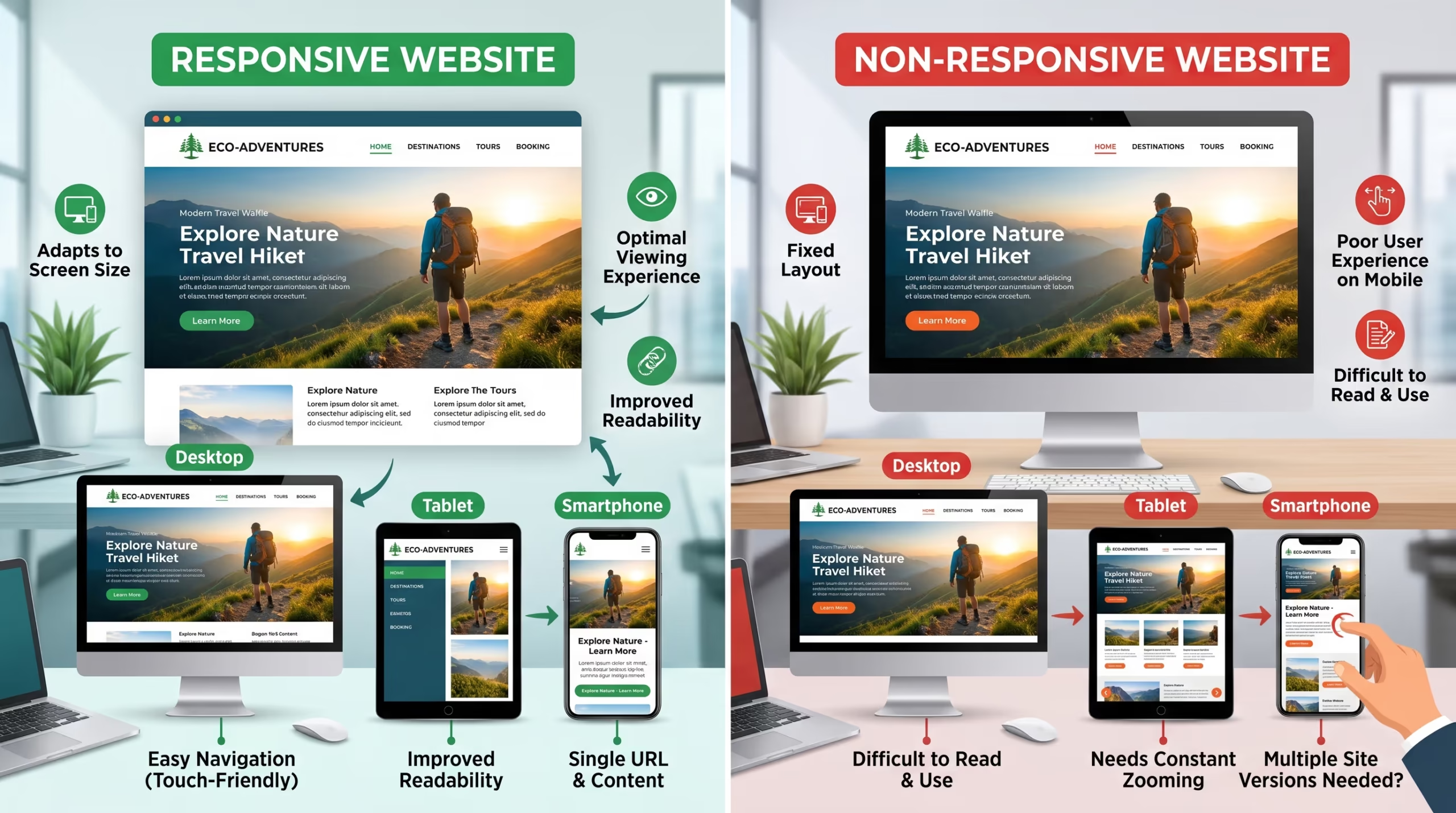
Understanding the difference between a responsive and non-responsive website makes it clear why responsive web design is no longer optional for any serious business website.
| Responsive Website | Non-Responsive Website | |
|---|---|---|
| Mobile Experience | Automatically adapts to all screen sizes | Broken layout on mobile devices |
| SEO Performance | Favored by Google mobile-first indexing | Penalized in mobile search rankings |
| Maintenance | Single website to manage and update | Requires separate mobile version |
| Loading Speed | Optimized for all devices | Often slow and heavy on mobile |
| User Experience | Seamless across all devices | Frustrating and difficult on mobile |
| Conversion Rate | Higher due to better mobile experience | Lower due to poor mobile usability |
| Future Proofing | Adapts to new screen sizes automatically | Requires constant updates for new devices |
The difference is clear. A responsive web design is not just better for users — it is better for SEO, better for conversions, and significantly easier and cheaper to maintain over the long term.
How to Make Your WordPress Website Responsive
Making your WordPress website fully responsive does not always require a complete rebuild. Here are the most important steps to ensure your website delivers a great experience on every device.
Choose a Responsive WordPress Theme
Your WordPress theme is the foundation of your website’s responsiveness. A poorly coded or outdated theme that is not built with mobile in mind will cause responsiveness issues no matter what else you do.
- Choose a theme that is explicitly built and tested for full mobile responsiveness
- Look for themes that use modern CSS grid or flexbox layouts rather than outdated table-based designs
- Test any new theme on mobile before committing to it using Google’s Mobile-Friendly Test tool
- Avoid bloated multipurpose themes that load excessive code on every page — they are often slow on mobile
- Consider lightweight themes like Astra, GeneratePress, or Kadence that are built specifically for performance and responsiveness
Your theme choice is the single most important responsive web design decision you will make for your WordPress website. Our Custom WordPress Website Development team always selects and configures themes with full mobile responsiveness as a core requirement.
Use a Mobile-Friendly Page Builder
If you are using a page builder to design your WordPress website, it must support responsive design controls natively.
- Use a page builder that allows you to set different layouts, font sizes, spacing, and visibility for desktop, tablet, and mobile views independently
- Popular responsive-friendly page builders for WordPress include Elementor, Beaver Builder, and the native WordPress block editor
- Always preview your designs on mobile view within the page builder before publishing
- Avoid stacking too many columns or complex layouts that collapse poorly on smaller screens
- Test every page after making design changes to ensure mobile responsiveness has not been disrupted
A mobile-friendly page builder gives you full control over how your responsive web design looks and functions across every screen size without requiring custom code.
Optimize Images for All Screen Sizes
Images that look great on desktop can become oversized and slow loading on mobile devices. Proper image optimization is essential for responsive web design performance.
- Use WordPress’s built-in srcset attribute to serve different image sizes to different devices automatically
- Compress all images before uploading to reduce file sizes without sacrificing visual quality
- Define explicit width and height dimensions on every image to prevent layout shifts during loading
- Use modern WebP format for smaller file sizes across all devices
- Avoid using CSS background images for content-critical visuals as they do not scale as reliably across devices
Optimized images are a critical part of both responsive web design and Core Web Vitals performance on mobile devices. Our Website Speed Optimization service covers full image optimization as a standard part of every project.
Test Your Website on Multiple Devices
Testing is the only way to confirm your responsive web design is actually working correctly across the full range of devices your visitors use.
- Use Google’s Mobile-Friendly Test tool to get a quick assessment of your website’s mobile responsiveness
- Test your website manually on real devices — at minimum an iPhone, an Android smartphone, and a tablet
- Use Chrome DevTools device emulation to preview your website at various screen sizes and resolutions
- Check every key page individually — homepage, service pages, blog posts, contact page, and checkout if applicable
- Pay special attention to navigation menus, buttons, forms, and images which are the most common responsiveness problem areas
Never assume your website is responsive without testing it. What looks correct in the WordPress editor may display very differently on an actual mobile device.
Fix Common Responsiveness Issues
Even websites built with responsive themes and page builders can develop specific responsiveness issues over time. Here are the most common ones and how to fix them.
- Horizontal scrolling on mobile — caused by elements with fixed widths wider than the screen; fix by replacing fixed pixel widths with percentage or max-width values
- Text too small to read — caused by font sizes not being adjusted for mobile; fix by setting appropriate mobile font sizes in your theme or page builder settings
- Buttons too small to tap — caused by touch targets below the recommended 44px minimum size; fix by increasing button padding and size specifically for mobile
- Images overflowing their containers — caused by missing max-width CSS rules; fix by adding max-width: 100% to image CSS
- Navigation menu broken on mobile — caused by a theme or custom menu not having a proper mobile hamburger menu implementation; fix by ensuring your theme includes a properly coded mobile navigation
Fixing these issues is part of our WordPress Bug Fixing & Support service for clients who need their existing websites brought up to full responsive web design standards.
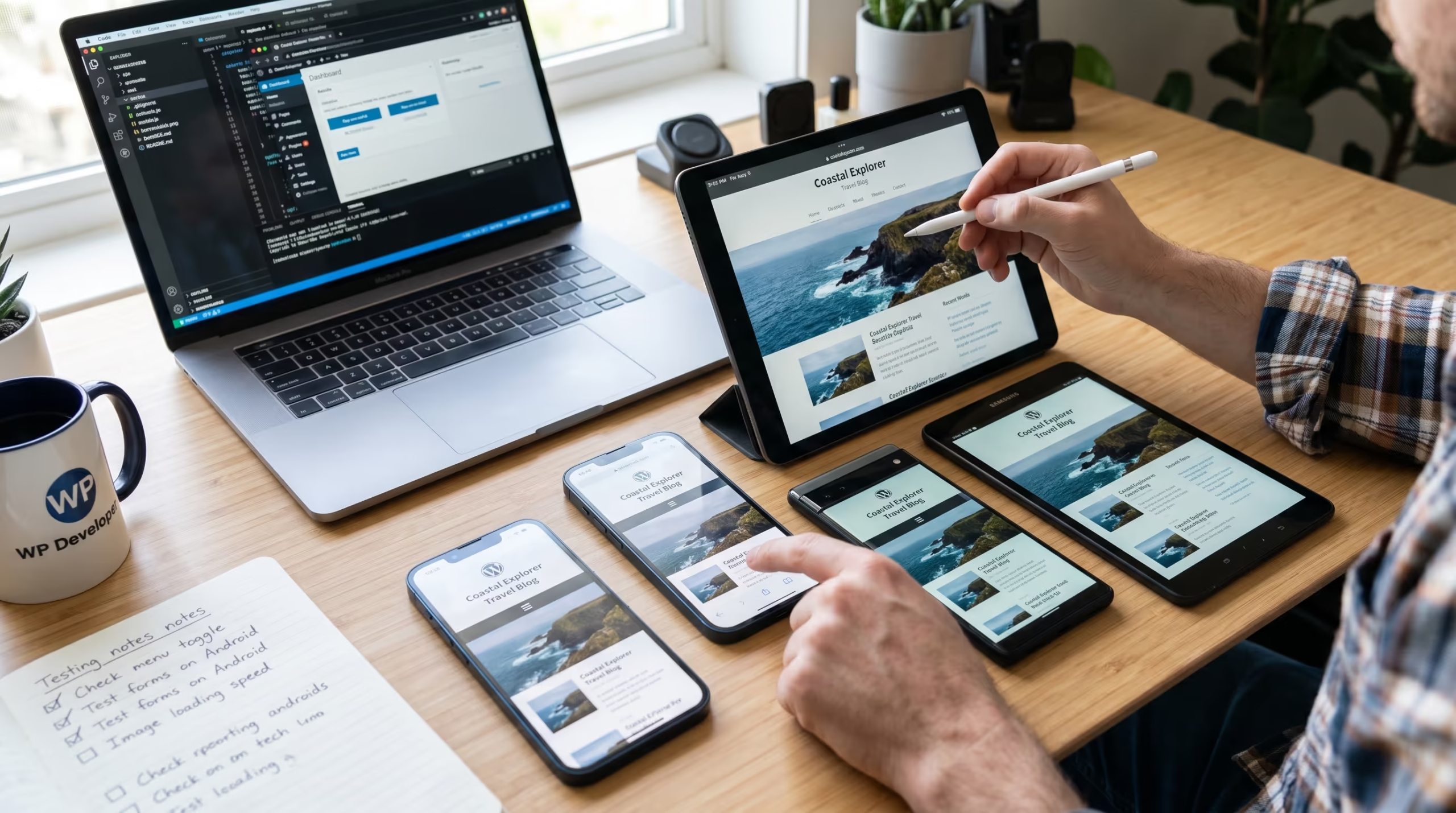
Getting responsive web design right requires the right theme, the right page builder configuration, proper image optimization, and thorough testing across all devices — and getting any one of these wrong means your visitors are seeing a broken experience.
Our Custom WordPress Website Development, WordPress Website Redesign, and Website Speed Optimization services are built to deliver fully responsive WordPress websites that perform perfectly on every screen size.
Contact TecHippo today and let’s build a WordPress website that works beautifully on every device.
Common Responsive Web Design Mistakes to Avoid
Even websites built with responsiveness in mind often fall short because of avoidable mistakes. Here are the most common responsive web design errors WordPress website owners make.
- Choosing a theme without testing it on mobile first and discovering responsiveness issues only after the website is live
- Using fixed pixel widths for elements that should scale fluidly across different screen sizes
- Ignoring touch target sizes leaving buttons and links too small to tap accurately on smartphones
- Not testing on real devices and relying solely on desktop browser emulation which does not always accurately represent real mobile behavior
- Overlooking navigation on mobile leaving desktop-style menus that are impossible to use on smaller screens
- Using font sizes that are too small on mobile making content difficult to read without zooming
- Loading the same large images on mobile as desktop instead of serving appropriately sized images for each device
- Not checking forms on mobile leaving contact forms and checkout pages that are difficult or impossible to complete on a smartphone
- Assuming a responsive theme means a fully responsive website without accounting for custom code, plugins, or third-party embeds that may break on mobile
Avoiding these mistakes ensures your responsive web design delivers a genuinely great experience to every visitor regardless of the device they are using.
Responsive Web Design and Core Web Vitals
Responsive web design and Core Web Vitals are closely connected — especially on mobile devices where performance issues are most pronounced and most impactful for SEO.
Google evaluates Core Web Vitals on mobile first, which means a website that passes on desktop but fails on mobile is still considered a poor performer for ranking purposes.
Here is how responsiveness connects to each Core Web Vital:
- LCP (Largest Contentful Paint) — non-responsive websites often load oversized images on mobile that dramatically increase LCP times. A properly responsive design serves appropriately sized images to each device, keeping LCP fast across all screen sizes.
- INP (Interaction to Next Paint) — touch interactions on mobile are measured by INP. A non-responsive website with tiny buttons and overlapping elements creates interaction delays that directly hurt INP scores.
- CLS (Cumulative Layout Shift) — layout shifts are far more common and more severe on mobile devices, especially when images lack defined dimensions or content reflows unexpectedly during load. A well-implemented responsive web design prevents these shifts by defining clear layout rules for every screen size.
Investing in proper responsive web design is therefore one of the most effective ways to improve Core Web Vitals scores on mobile — which directly benefits your SEO rankings. Our Website Speed Optimization and SEO & Growth Optimization services address both responsiveness and Core Web Vitals as part of a comprehensive performance strategy.
Benefits of Responsive Web Design for Business Growth
Implementing proper responsive web design on your WordPress website delivers benefits that extend well beyond just looking good on mobile. It directly impacts your business results.
- Higher search rankings as Google rewards mobile-optimized websites through mobile-first indexing and page experience signals
- More mobile conversions as visitors on smartphones can easily navigate browse and complete purchases or enquiries
- Lower bounce rates as a seamless mobile experience keeps visitors engaged rather than sending them back to search results
- Broader audience reach as your website is accessible and functional for every visitor regardless of their device
- Reduced maintenance costs as a single responsive website is significantly cheaper to maintain than separate desktop and mobile versions
- Stronger brand credibility as a professional mobile experience signals quality and trustworthiness to first-time visitors
- Better advertising performance as responsive landing pages convert better from paid traffic sources including Google Ads and social media
- Future-proof website that automatically adapts to new screen sizes and devices without requiring redesigns
For businesses using WordPress — whether for lead generation, eCommerce, or online learning — responsive web design is one of the highest-return investments you can make in your digital presence.
In today’s mobile-first world a WordPress website that is not fully responsive is actively costing you visitors, rankings, and revenue.
At TecHippo our Custom WordPress Website Development, WordPress Website Redesign, and SEO & Growth Optimization services are built to deliver fully responsive WordPress websites that look professional, load fast, and perform perfectly on every screen size your visitors use.
Book a free consultation with TecHippo today and let’s build a WordPress website that works beautifully on every device.
Conclusion
Responsive web design is not a trend or a luxury — it is a fundamental requirement for any WordPress website that wants to compete in today’s mobile-first digital landscape.
By ensuring your website adapts seamlessly to every screen size, you deliver a better experience to every visitor, earn stronger rankings from Google, reduce bounce rates, and convert more of your traffic into real business results.
Whether you are building a new WordPress website, redesigning an existing one, or optimizing a site that is already live, making responsive web design a core priority will pay dividends in rankings, traffic, and conversions for as long as your website exists.
 Reach us on WhatsApp