
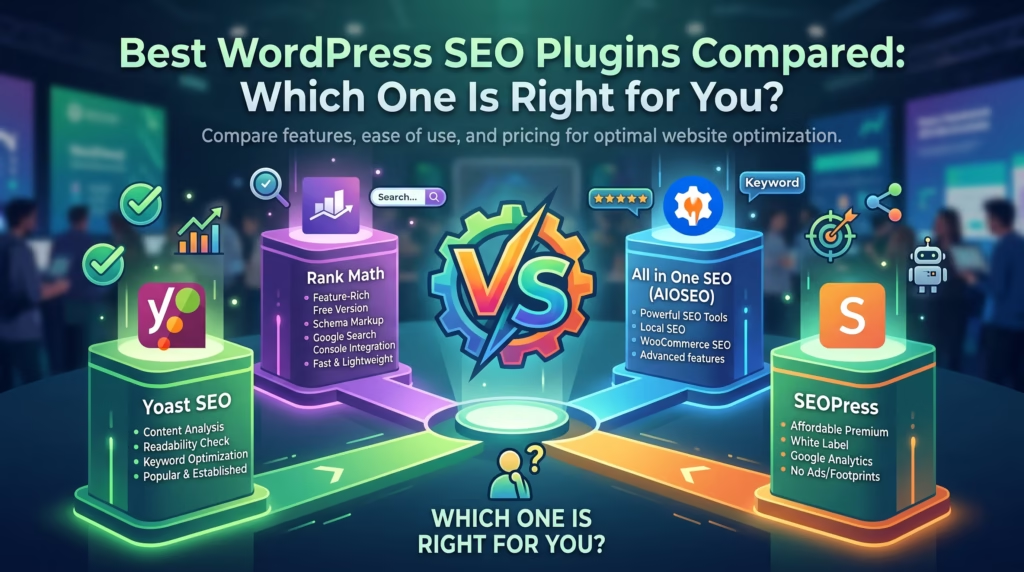
Search engine optimization is one of the most important factors in growing a WordPress website. Whether you’re running a business website, blog, or online store, having the right SEO plugin can make it easier to optimize your content and improve your visibility in search results.
The challenge is that there are dozens of SEO plugins available, each offering different features, pricing, and levels of complexity.
In this guide, we’ll compare some of the best WordPress SEO plugins and help you determine which one is the right fit for your website.
Why WordPress SEO Plugins Matter
WordPress is SEO-friendly by default, but it doesn’t provide all the tools needed to fully optimize your website.
A quality SEO plugin can help you:
- Optimize titles and meta descriptions
- Generate XML sitemaps
- Improve on-page SEO
- Manage redirects
- Monitor keyword optimization
- Enhance social media sharing
Most importantly, SEO plugins simplify technical tasks that would otherwise require coding knowledge.
For website owners looking to improve rankings, choosing the right plugin is often one of the easiest SEO improvements they can make.
What to Look for in a WordPress SEO Plugin
Not all SEO plugins are created equal. Before choosing one, it’s important to understand which features matter most.
Here are some key features to consider:
- Easy-to-use interface
- XML sitemap generation
- Schema markup support
- On-page SEO analysis
- Redirect management
- WooCommerce compatibility
- Performance and speed impact
- Integration with Google Search Console
The best plugin isn’t necessarily the one with the most features—it’s the one that matches your website’s needs and skill level.
Best WordPress SEO Plugins Compared
Rank Math
Rank Math has quickly become one of the most popular WordPress SEO plugins thanks to its extensive feature set and user-friendly interface.
Key features include:
- Advanced schema markup
- Keyword optimization tools
- Redirect manager
- Google Search Console integration
- WooCommerce SEO support
Rank Math is often recommended for users who want powerful SEO features without installing multiple plugins.
Yoast SEO
Yoast SEO is one of the oldest and most trusted SEO plugins in the WordPress ecosystem.
Popular features include:
- Content readability analysis
- XML sitemap generation
- Meta title and description management
- Social media integration
- Internal linking suggestions (premium)
Its beginner-friendly setup makes it a popular choice for bloggers and small business websites.
All in One SEO (AIOSEO)
All in One SEO, often called AIOSEO, offers a strong balance between simplicity and advanced functionality.
Notable features include:
- Smart SEO setup wizard
- Local SEO tools
- WooCommerce optimization
- Schema markup support
- XML and RSS sitemap generation
AIOSEO is particularly useful for businesses that want a straightforward SEO solution without a steep learning curve.
SEOPress
SEOPress is known for offering premium-level functionality at a competitive price.
Features include:
- Content analysis
- XML and HTML sitemaps
- Google Analytics integration
- Redirect management
- Schema support
Many users appreciate SEOPress because of its clean interface and lack of advertising within the dashboard.
The SEO Framework
The SEO Framework focuses on performance and simplicity.
Key benefits include:
- Lightweight design
- Automated SEO settings
- Fast performance
- Minimal configuration requirements
- Privacy-focused approach
It’s a great option for users who want a simple SEO solution without excessive notifications or upsells.
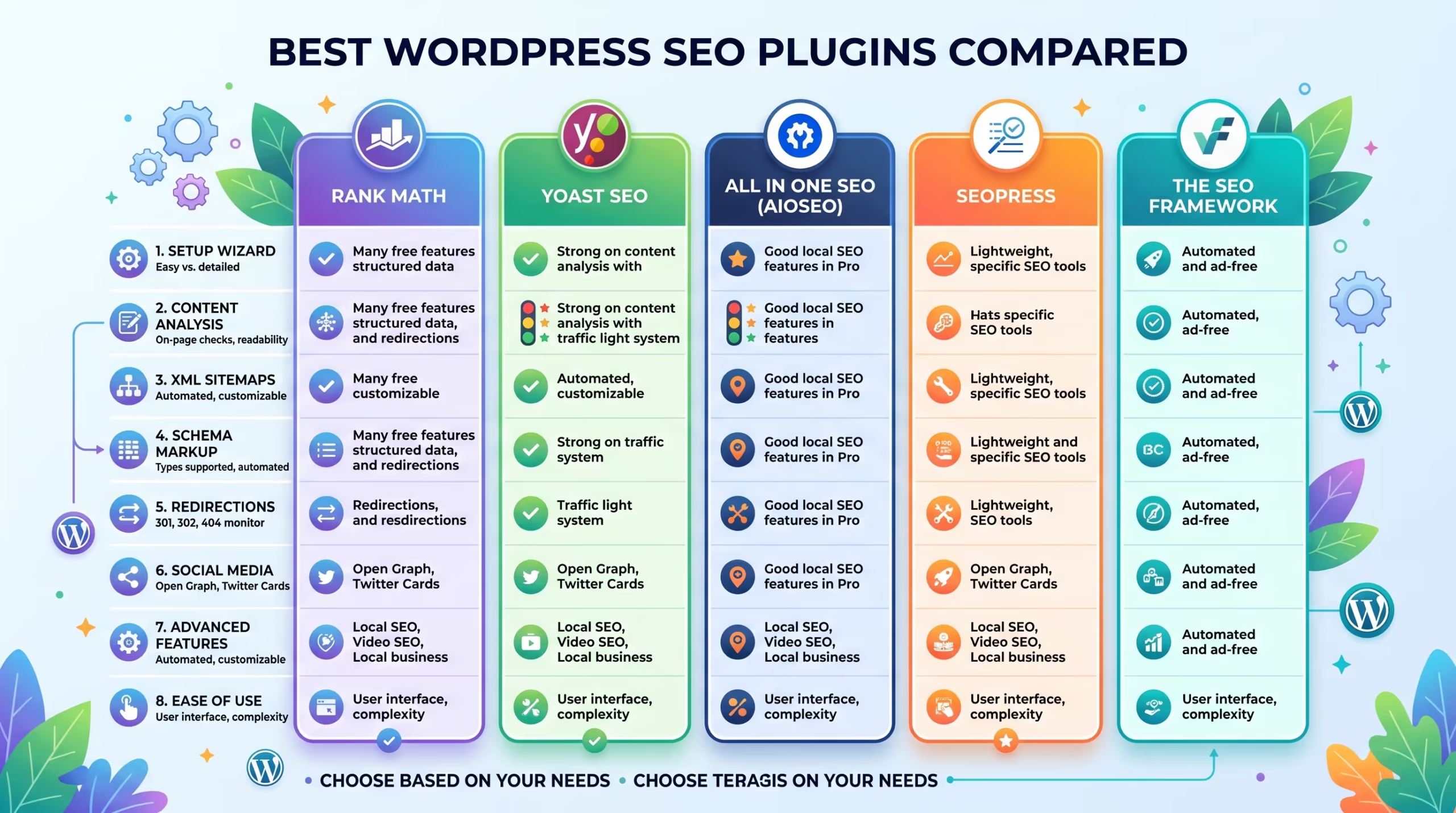
Quick Comparison Table
| Plugin | Best For | Beginner Friendly | WooCommerce Support |
|---|---|---|---|
| Rank Math | Advanced SEO Features | Yes | Yes |
| Yoast SEO | Beginners & Bloggers | Yes | Yes |
| AIOSEO | Business Websites | Yes | Yes |
| SEOPress | Value for Money | Moderate | Yes |
| The SEO Framework | Lightweight Performance | Moderate | Limited |
A website redesign is a major investment and skipping the SEO groundwork can cost you the rankings and traffic you have spent months or years building.
Our WordPress Website Redesign and SEO & Growth Optimization services are built to make sure your redesign improves your website without putting your search visibility at risk.
Get in touch with TecHippo today for a free consultation and let’s plan your redesign properly from day one.
Which SEO Plugin Is Best for Beginners?
If you’re new to WordPress SEO, ease of use should be a top priority.
For most beginners, Yoast SEO is often the best choice because of its simple setup process, clear recommendations, and user-friendly interface. It helps users optimize content without requiring advanced SEO knowledge.
AIOSEO is another excellent option for beginners, especially for business owners who want a guided setup experience.
If you want more features from the start and don’t mind a slightly larger learning curve, Rank Math is worth considering.
Which SEO Plugin Is Best for Advanced Users?
Advanced users typically need more control, automation, and customization options.
This is where Rank Math stands out.
It offers:
- Advanced schema markup
- Multiple keyword optimization
- Detailed SEO analytics
- Redirect management
- Role manager functionality
For developers and SEO professionals, SEOPress is also a strong choice due to its flexibility and clean interface.
The best option ultimately depends on your workflow and the level of control you need over your SEO strategy.
Which SEO Plugin Is Best for WooCommerce Stores?
WooCommerce websites have unique SEO requirements, including product optimization, category pages, and structured data.
For most online stores, Rank Math and AIOSEO provide some of the strongest WooCommerce SEO features.
Benefits include:
- Product schema support
- Rich snippets
- Product metadata optimization
- Category and tag SEO management
For store owners focused on maximizing organic traffic, choosing a plugin with strong WooCommerce integration can make SEO management much easier.
Free vs Premium SEO Plugins: Is It Worth Upgrading?
Most SEO plugins offer free versions that provide enough functionality for many websites.
However, premium versions often unlock features such as:
- Advanced schema options
- Redirect management
- Internal linking suggestions
- Local SEO tools
- Enhanced WooCommerce SEO features
- Priority support
For small websites or personal blogs, a free version may be sufficient.
For growing businesses, eCommerce stores, and competitive industries, upgrading to a premium plan can provide valuable tools that save time and improve optimization efforts.
SEO plugins are powerful tools, but they can’t replace a complete SEO strategy.
A lot can go wrong between staging and launch — and by the time you notice a traffic drop, the damage is already done.
Our WordPress Website Redesign, SEO & Growth Optimization, and Monthly Website Management Plans are designed to make sure every step of your redesign is handled correctly, from pre-launch preparation through to post-launch monitoring.
Reach out to TecHippo today and let’s make sure your redesign launch goes smoothly without costing you your rankings.
Common Mistakes When Using SEO Plugins
Installing an SEO plugin doesn’t automatically improve rankings.
Some of the most common mistakes include:
- Leaving default plugin settings unchanged
- Ignoring meta titles and descriptions
- Overusing keywords
- Installing multiple SEO pluginsCommon Mistakes When Using SEO Plugins
- Neglecting technical SEO issues
- Focusing only on plugin scores instead of user experience
An SEO plugin should support your strategy—not become your entire strategy.
Do You Need More Than an SEO Plugin to Rank?
Yes.
SEO plugins help with optimization, but ranking well in search engines requires much more than plugin settings.
Successful SEO also depends on:
- High-quality content
- Website speed
- Technical SEO
- Internal linking
- Mobile usability
- Backlink acquisition
- User experience
Think of an SEO plugin as a toolkit. It helps you implement best practices, but it won’t automatically move your website to the top of Google.
For businesses looking to maximize results, combining the right plugin with SEO & Growth Optimization and Website Speed Optimization often delivers the best outcomes.
Conclusion
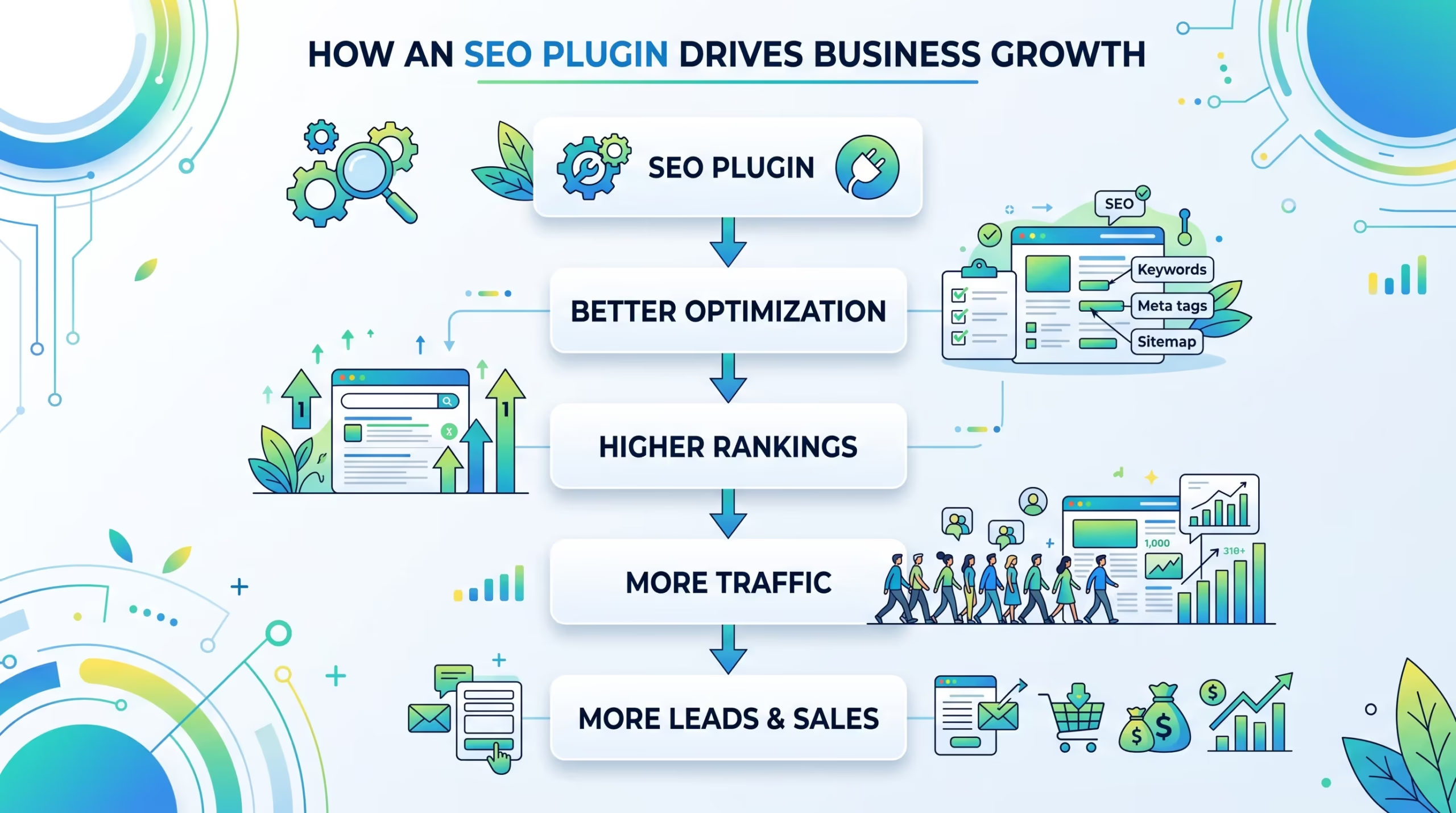
Choosing the right SEO plugin can make managing and optimizing your WordPress website much easier. Whether you prefer the beginner-friendly approach of Yoast SEO, the advanced features of Rank Math, or the balanced functionality of AIOSEO, the best choice ultimately depends on your website’s goals and requirements.
While SEO plugins are valuable tools, they’re only one part of a successful SEO strategy. Combining the right plugin with high-quality content, technical optimization, and ongoing SEO efforts will give your website the best chance of achieving long-term growth and higher search rankings.
By selecting the plugin that fits your needs and following SEO best practices, you’ll be well-positioned to improve your visibility, attract more visitors, and grow your online presence.

 Reach us on WhatsApp