
Moving your WordPress website to a new host, domain, or staging environment doesn’t have to be stressful—but it can be tricky if you don’t have the right tools. That’s where WordPress website migration plugins come in. These plugins simplify the process by handling your site files, database, and URLs automatically, reducing the chance of errors.
In this guide, we’ve tested and compared the best WordPress migration plugins for 2026, covering free and premium options. We’ll also explain when a plugin might not be enough and when a professional WordPress Website Migrations service is the safer choice for your site.
What Is a WordPress Website Migration Plugin?
A WordPress migration plugin is a tool that helps you move your entire website—including themes, plugins, media, and database—to a new host, domain, or environment with minimal manual effort. Instead of downloading files via FTP or manually exporting databases, these plugins handle everything for you.
Who should use a migration plugin?
- Bloggers or small business owners moving to a new hosting provider
- Developers setting up staging sites for testing
- Site owners switching domains without losing SEO
Common use cases include:
- Moving your site to a new web host
- Changing your website domain
- Copying a staging or development site to live production
Migration plugins save time and reduce technical errors, but they aren’t foolproof—especially for large or complex sites.
When Using a Migration Plugin Is NOT Enough
While migration plugins are convenient, they aren’t always the perfect solution. Some risks include:
- Large websites with thousands of pages or big databases may fail during migration
- WooCommerce stores risk losing order data or breaking checkout functions
- Serialized data can get corrupted if not handled correctly, causing site errors
- Downtime and slow site performance if the migration process uses server resources heavily
- SEO loss due to broken URLs or misconfigured redirects
For sites with higher complexity or critical business functionality, relying solely on plugins can be risky. That’s why many businesses choose a professional WordPress Website Migrations service to ensure zero downtime, full data safety, and SEO protection.
Our Criteria for Testing WordPress Website Migration Plugins
Not all migration plugins are created equal. To help you choose the best WordPress website migration plugin, we tested each plugin against key criteria that matter for safety, speed, and reliability. This ensures you can trust our recommendations and avoid common migration headaches.
Our evaluation focuses on the following areas:
Migration Method
Different plugins move websites in different ways. Some offer server-to-server transfers, which directly move your site from one host to another without downloading files locally. Others require manual export/import, where you back up your files and database and upload them yourself.
We prioritize plugins that are flexible and support multiple migration methods for varying user needs.
Backup & Rollback Safety
A migration plugin is only as good as its safety measures. We check if the plugin:
- Creates reliable backups before moving your site
- Offers restore points or rollback options in case something goes wrong
- Ensures your data is never lost during migration
Plugins that integrate with cloud storage for backups score higher in our testing.
Performance & Downtime
Site performance matters. Some plugins rely heavily on your hosting server during migration, which can slow down your site or cause downtime. Others handle migrations on their own servers or optimize processes to minimize impact.
We tested how each plugin performs under load and how much downtime (if any) users might experience.
Large Sites & WooCommerce Support
Big sites and eCommerce stores are trickier to move. We evaluated plugins on:
- Ability to handle large databases and media libraries
- WooCommerce compatibility (orders, products, checkout)
- Correct handling of serialized data, so nothing breaks post-migration
Plugins that fail these tests can cause lost orders, broken layouts, or site errors.
Best WordPress Website Migration Plugins (Quick Comparison)
For fast decision-making, here’s a quick comparison of our top WordPress website migration plugins. This table is ideal for scanning features, pricing, and limitations at a glance.
Plugin Comparison Table
| Plugin Name | Best For | Free / Paid | Key Limitation |
|---|---|---|---|
| Duplicator | Overall WordPress migration | Free + Paid ($49.50/yr) | Free version lacks dashboard import |
| UpdraftPlus | Selective migrations | Free + Paid ($70/yr) | Manual process in free version |
| Jetpack VaultPress | WooCommerce sites | Paid ($59.40/yr) | No multisite support |
| All-in-One WP Migration | Simple, beginner-friendly | Free + Paid Add-ons | 256MB upload limit in free version |
| Migrate Guru | Free server-based migration | Free | Limited to 5 site migrations/month |
| Solid Backups | Advanced data handling | Free + Paid ($8.25/mo) | Limited host compatibility |
| ManageWP | Developers with multiple sites | Free + Paid Add-ons | Premium backup add-on required |
| Total Upkeep | Budget-friendly, unlimited sites | Free + Paid ($2.50/mo) | Remote storage requires premium |
| WP Migrate | Local development | Free + Paid ($49+) | Not for traditional host-to-host migration |
| SiteGround Migrator | SiteGround hosting | Free | Host-specific, not for multisite |
Tip: Use this table to quickly identify which plugin matches your site type and migration complexity. If your site is large or critical for business, consider a professional WordPress Website Migrations service to avoid errors or downtime.
Detailed Review of the Best WordPress Website Migration Plugins
Not every WordPress website migration plugin is built for the same type of site or user. Some are ideal for beginners, others for developers, and some work best for large business or WooCommerce websites. Below is a detailed breakdown of the most reliable migration plugins, what they’re best at, and where their limitations start to show.
Duplicator – Best Overall WordPress Website Migration Plugin
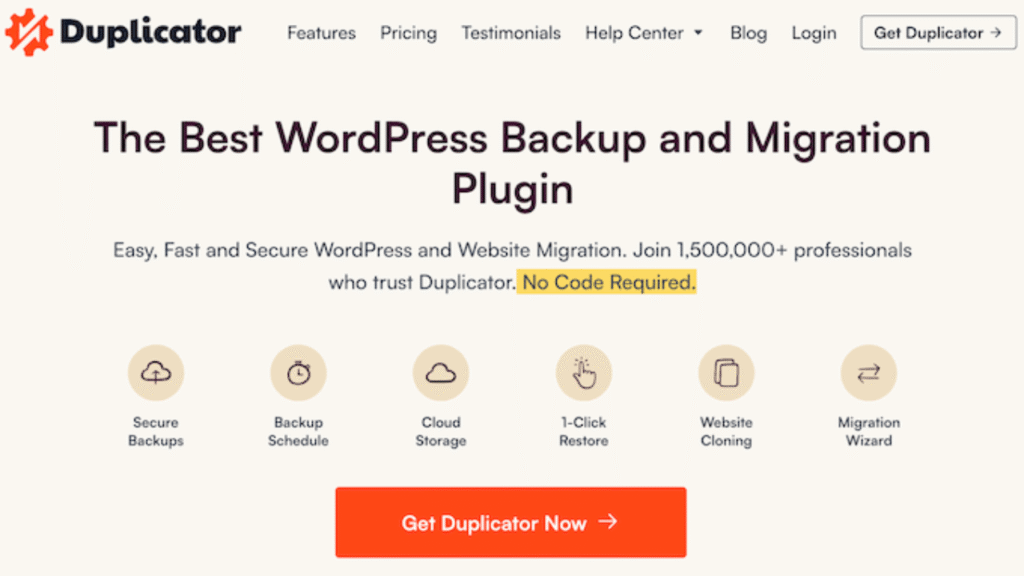
Duplicator consistently ranks as the most reliable WordPress website migration plugin for sites of all sizes. It supports full-site migrations, server-to-server transfers, and even complex multisite setups. One of its biggest advantages is that it can migrate a site without requiring WordPress to be installed on the destination server first.
It also includes strong security features like AES-256 encryption and built-in search-and-replace, which helps prevent broken URLs after migration.
Pros
- Server-to-server migrations (no manual downloads required)
- Full support for WordPress multisite networks
- Built-in search and replace for URLs and paths
- Strong encryption for secure migrations
Cons
- Free version cannot import backups from the WordPress dashboard
- Advanced features require a paid license
Best Use Case
Best for small to large WordPress websites, including multisite setups, that need a reliable and flexible migration solution.
👉 note: Even with a powerful plugin like Duplicator, large or mission-critical sites are safer with a professional WordPress Website Migrations service to avoid downtime and data loss.
UpdraftPlus – Best for Selective Migrations
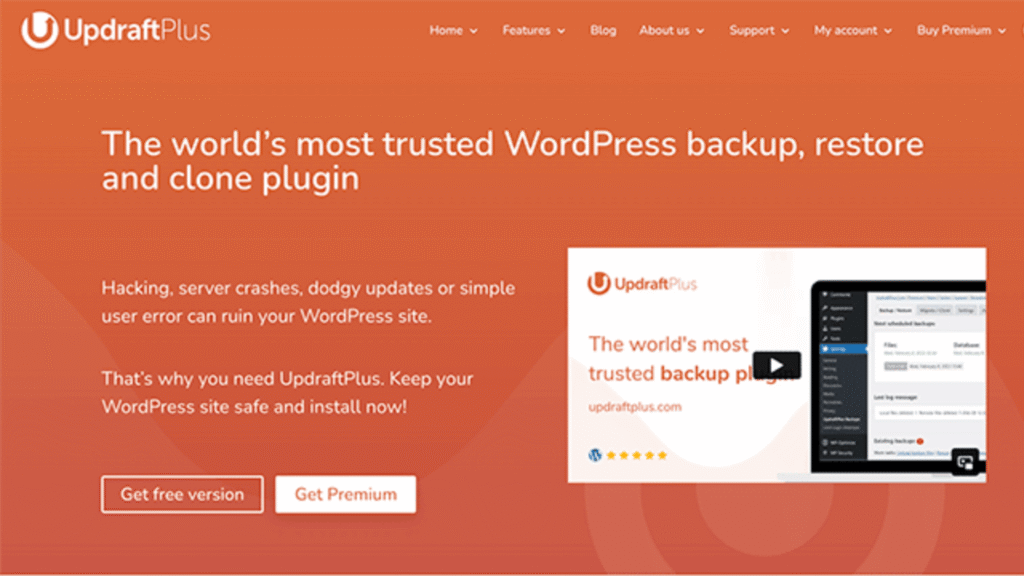
UpdraftPlus is a popular WordPress website migration plugin for users who don’t need to move everything. It allows selective migrations, meaning you can transfer only the database, plugins, themes, or uploads folder instead of the entire site.
This makes it useful for partial site moves or content-only migrations.
- Best for: Partial migrations and content-focused transfers
- Limitation: Free version requires manual backup download and upload
Jetpack VaultPress – Best for WooCommerce Sites
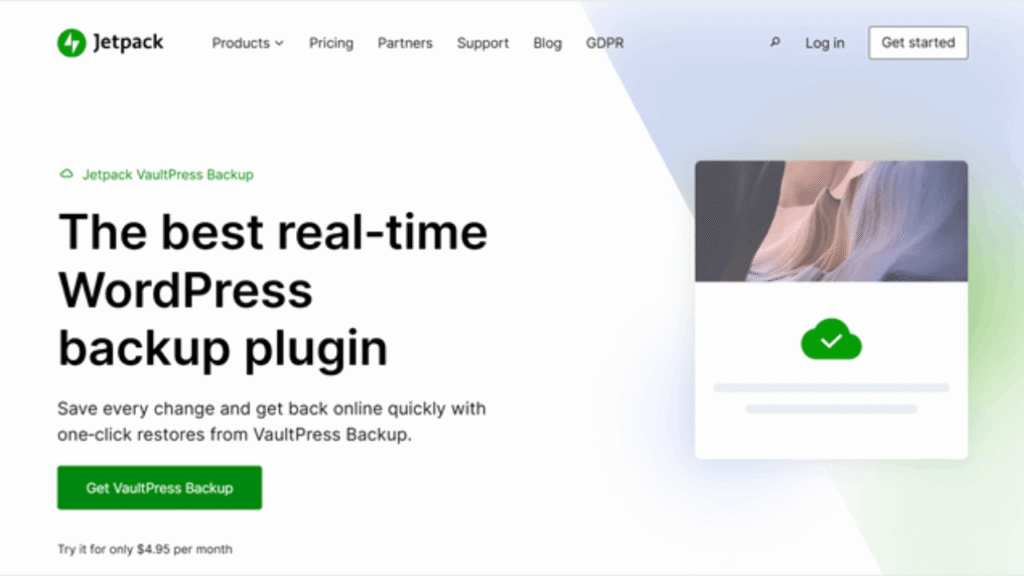
Jetpack VaultPress is designed for sites where data changes constantly, especially WooCommerce stores. It offers real-time backups that capture every order, product update, and customer action during migration.
Because backups are stored on WordPress.com’s infrastructure, your hosting server isn’t overloaded during the migration process.
👉 If you’re migrating a large WooCommerce store, relying only on a plugin is risky. A professional WordPress Website Migrations service ensures orders, payments, and customer data remain intact.
All-in-One WP Migration – Best for Beginners
All-in-One WP Migration is one of the easiest WordPress website migration plugins to use. Its drag-and-drop interface makes it beginner-friendly, and no technical configuration is required.
However, the free version comes with a 256MB upload limit, which makes it unsuitable for larger websites unless you purchase add-ons.
- Best for: Small websites and non-technical users
- Limitation: File size restriction in the free version
Migrate Guru – Best Free WordPress Website Migration Plugin
Migrate Guru stands out by offering powerful migration features completely free. It uses its own servers instead of your hosting server, which prevents timeouts and performance issues during migration.
That said, it doesn’t support multisite networks or localhost migrations and limits users to five different sites per month.
- Best for: Free, large-site migrations
- Limitation: No multisite or local environment support
Solid Backups – Best for Complex Data Handling
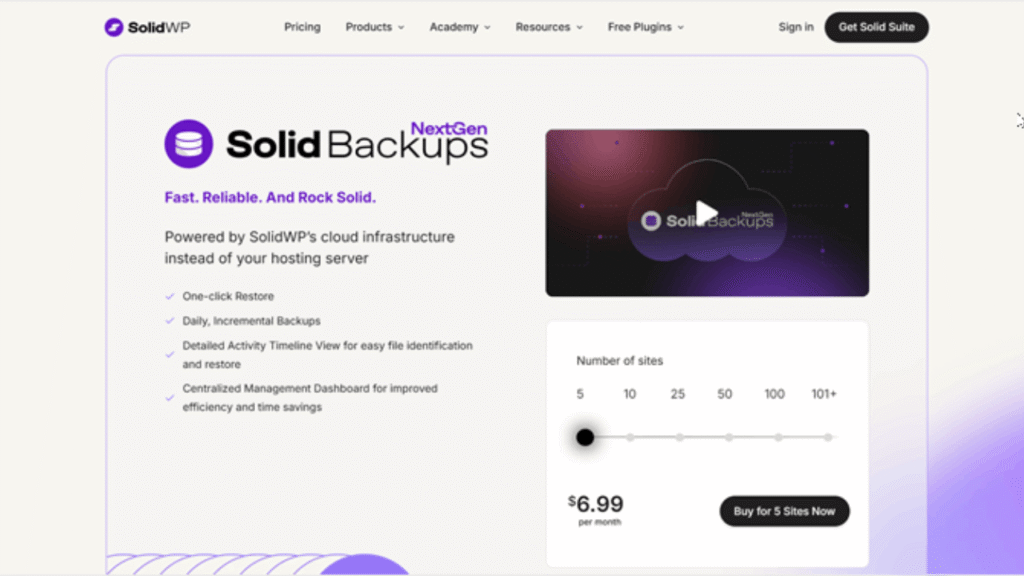
Solid Backups is ideal for sites with serialized data, which many plugins struggle to migrate correctly. It uses a standalone importer system and cloud-based processing to reduce server load.
This makes it a good choice for technically complex WordPress sites.
- Best for: Complex databases and serialized data
- Limitation: Limited compatibility with some managed hosts
ManageWP – Best for Developers Managing Multiple Sites
ManageWP isn’t just a WordPress website migration plugin—it’s a full site management platform. Migration is part of a broader toolkit that includes bulk updates, staging, client reports, and white labeling.
It’s best suited for developers or agencies handling multiple client websites.
- Best for: Developers and agencies
- Limitation: Migration requires premium backup add-on
Total Upkeep – Budget-Friendly Migration Plugin
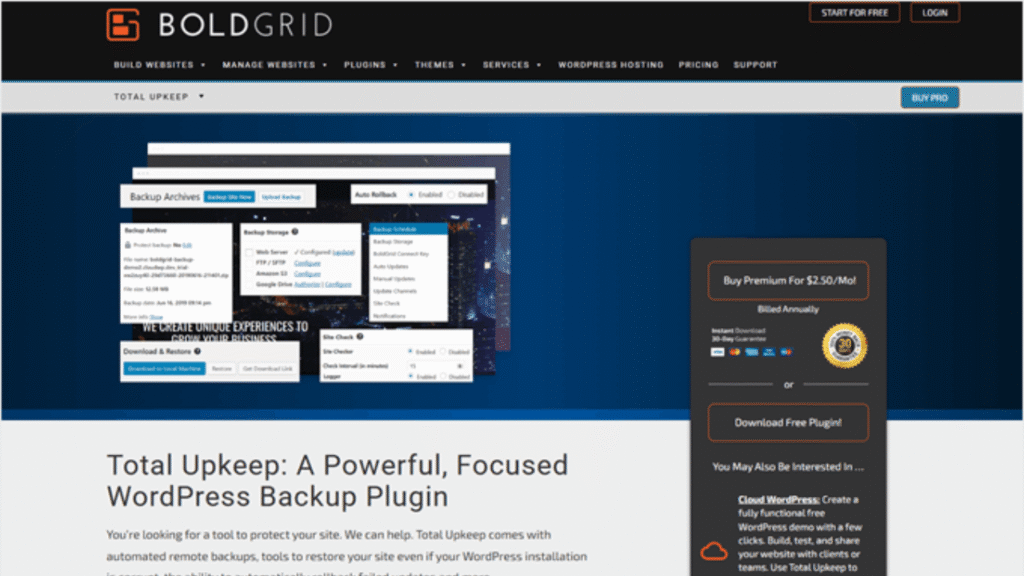
Total Upkeep offers surprising value at a low cost. It includes automatic rollback features, which means if a migration fails, your site is restored automatically.
One license can be used on unlimited sites you own, making it attractive for budget-conscious developers.
- Best for: Low-budget, multi-site owners
- Limitation: Remote storage requires premium version
WP Migrate – Best for Local Development
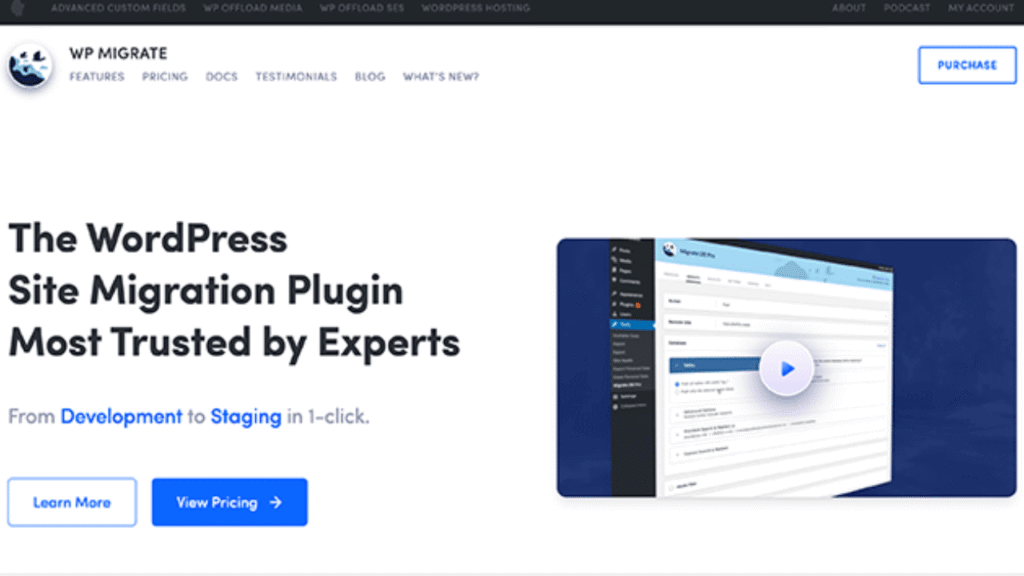
WP Migrate is built for developers who work between local and live environments. Its push-and-pull system allows two-way syncing, which saves time during development workflows.
This plugin is not designed for traditional host-to-host migrations.
- Best for: Local-to-live development workflows
- Limitation: Not suitable for standard hosting migrations
SiteGround Migrator – Best for SiteGround Hosting
SiteGround Migrator is a host-specific WordPress website migration plugin designed exclusively for SiteGround users. It uses a simple token-based system and creates temporary site copies for testing.
- Best for: Migrating to SiteGround hosting
- Limitation: Only works with SiteGround
Plugin vs Professional WordPress Website Migration
A WordPress website migration plugin can work well for small, simple sites. But as site size, traffic, or business impact increases, plugins start showing their limits. This comparison makes it clear when DIY is fine—and when a professional migration is the smarter move.
Migration Comparison Table
| Factor | Migration Plugin | Professional Migration Service |
|---|---|---|
| Ease of Use | DIY, requires user setup | Fully done-for-you |
| Downtime Risk | Medium to high | Near-zero or zero downtime |
| SEO Protection | Limited, manual checks | Full SEO-safe migration |
| Large Site Handling | Often unreliable | Designed for large sites |
| WooCommerce Safety | Risk of lost orders | Orders & data fully protected |
| Error Handling | User must fix issues | Experts handle & resolve issues |
| Post-Migration Testing | Manual | Full testing & validation |
| Time Required | Hours or days | Minimal client involvement |
👉 Bottom line: If your site generates revenue or leads, relying only on a plugin is risky. A professional WordPress Website Migrations service ensures everything works correctly the first time.
Why Choose a Professional WordPress Website Migration Service?
While a WordPress website migration plugin can move files and databases, it doesn’t think for you. A professional migration service covers everything plugins don’t—and that’s where most problems usually happen.
Key benefits include:
- Zero or near-zero downtime during migration
- SEO-safe URL handling with proper redirects
- Full backups before and after migration
- Testing of pages, forms, checkout, and logins
- Database optimization and cleanup
- Post-migration performance and security checks
Instead of hoping a plugin handles edge cases, you get a controlled, tested, and verified migration handled by WordPress experts.
👉 If your site matters to your business, choose our WordPress Website Migrations service for a smooth, risk-free transition.
Common WordPress Migration Mistakes to Avoid
Many site owners run into problems when relying only on a WordPress website migration plugin without understanding the risks. Here are the most common mistakes we see:
- Broken internal links and missing media files
- Lost WooCommerce orders or customer data
- Incorrect URL replacements causing site errors
- SEO traffic drops due to missing redirects
- Plugin or theme conflicts after migration
- No rollback plan when migration fails
These issues can cost time, money, and rankings.
👉 If your site breaks after migration, our WordPress Bug Fixing & Support service can quickly identify and resolve issues before they impact users or SEO.
Frequently Asked Questions
What is the best WordPress website migration plugin?
There is no single best WordPress website migration plugin for every site, but Duplicator is the most reliable overall for most users. It works well for small and large sites, supports multisite networks, and offers server-to-server migrations.
For specific needs:
UpdraftPlus is best for selective migrations
Jetpack VaultPress is best for WooCommerce stores
Migrate Guru is the best free option for large sites
Can I migrate a WordPress site without a plugin?
Yes, but it’s not recommended unless you have technical experience. Manual migration requires exporting the database, transferring files via FTP, updating configuration files, and fixing URLs manually. One small mistake can break your site or cause data loss.
For non-technical users or business websites, a plugin or a professional WordPress Website Migrations service is the safer option.
Is plugin migration safe for WooCommerce?
Plugin-based migration can work for small WooCommerce stores, but it becomes risky as order volume increases. Active orders, payment data, and customer accounts can be lost or corrupted during migration.
If your store generates revenue daily, a professional WordPress Website Migrations service is the safest way to protect orders, products, and customer data.
Will migration affect SEO?
Yes, migration can affect SEO if it’s not handled properly. Common SEO risks include:
Broken URLs
Missing redirects
Duplicate content
Temporary downtime
A properly executed migration—especially with professional oversight—prevents ranking drops and preserves search visibility.
Final Verdict – Which WordPress Website Migration Plugin Should You Choose?
The right WordPress website migration plugin depends on your site type and risk tolerance:
- Small blogs or basic business sites: Duplicator or All-in-One WP Migration
- Selective or partial migrations: UpdraftPlus
- WooCommerce stores: Jetpack VaultPress (small stores only)
- Developers: WP Migrate or ManageWP
- Free large-site migrations: Migrate Guru
That said, plugins have limits. If your site is large, business-critical, or revenue-generating, professional migration is simply the smarter choice.
👉 For a safe, SEO-protected, zero-downtime move, choose our WordPress Website Migrations service.
👉 To keep your site secure and optimized after migration, consider our Monthly Website Management Plans.
After Migration Checklist
After using a WordPress website migration plugin or professional service, these checks are essential to avoid hidden issues.
- Test all internal and external links
- Check page speed and performance
- Verify SEO settings and indexing
- Confirm forms, logins, and checkout work
- Review security settings and backups
- Monitor errors and broken media files
👉 Ongoing monitoring and fixes are easier with our Monthly Website Management Plans, so your site stays fast, secure, and error-free.
 Reach us on WhatsApp