
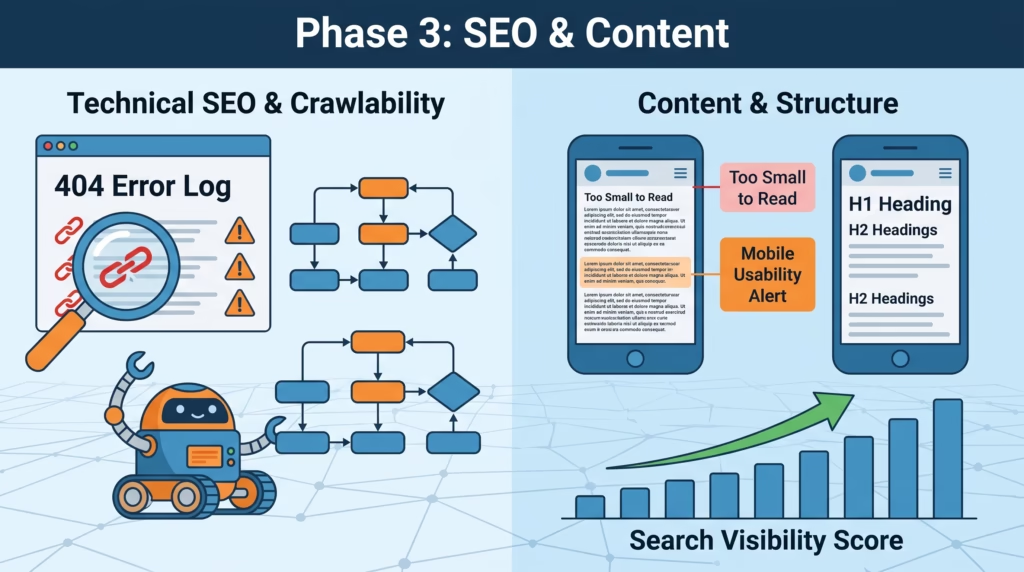
Your website may look great on the surface, but hidden issues like slow loading speeds, broken links, outdated plugins, and SEO errors can negatively impact your rankings and user experience. A WordPress website audit helps identify these problems before they affect your visitors or your business.
In this guide, you’ll learn what a WordPress website audit is, why it’s essential, and the key areas you should review to improve your website’s speed, security, SEO, and overall performance.
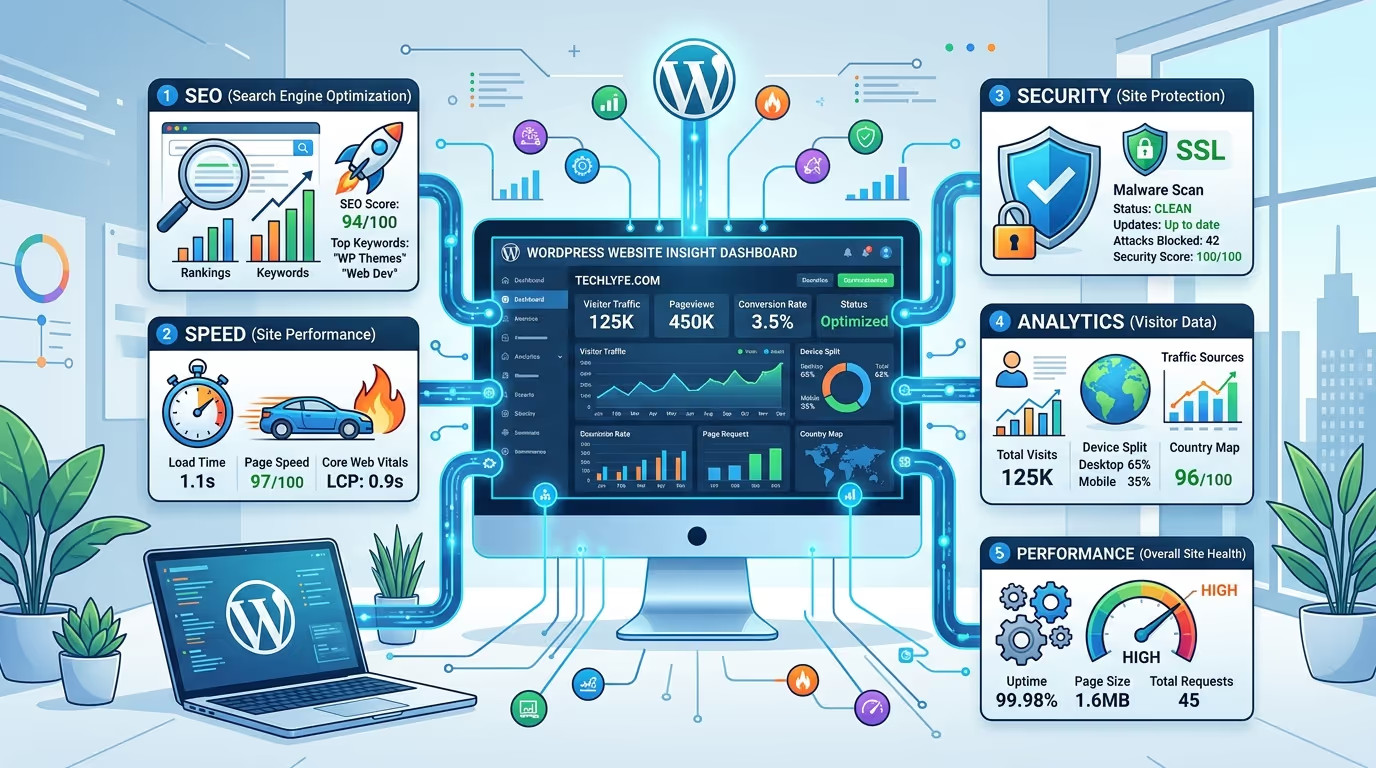
Why Every WordPress Website Needs Regular Audits
Your website is constantly evolving with new content, plugin updates, and search engine algorithm changes. Without regular audits, small issues can build up over time, leading to slower performance, lower search rankings, and a poor user experience.
Performing a WordPress website audit regularly helps you identify problems early, maintain optimal website performance, improve SEO, and ensure your visitors have a smooth browsing experience.
What Is a WordPress Website Audit?
A WordPress website audit is a comprehensive review of your website’s health, performance, SEO, security, and functionality. It helps uncover technical issues that may be preventing your website from reaching its full potential.
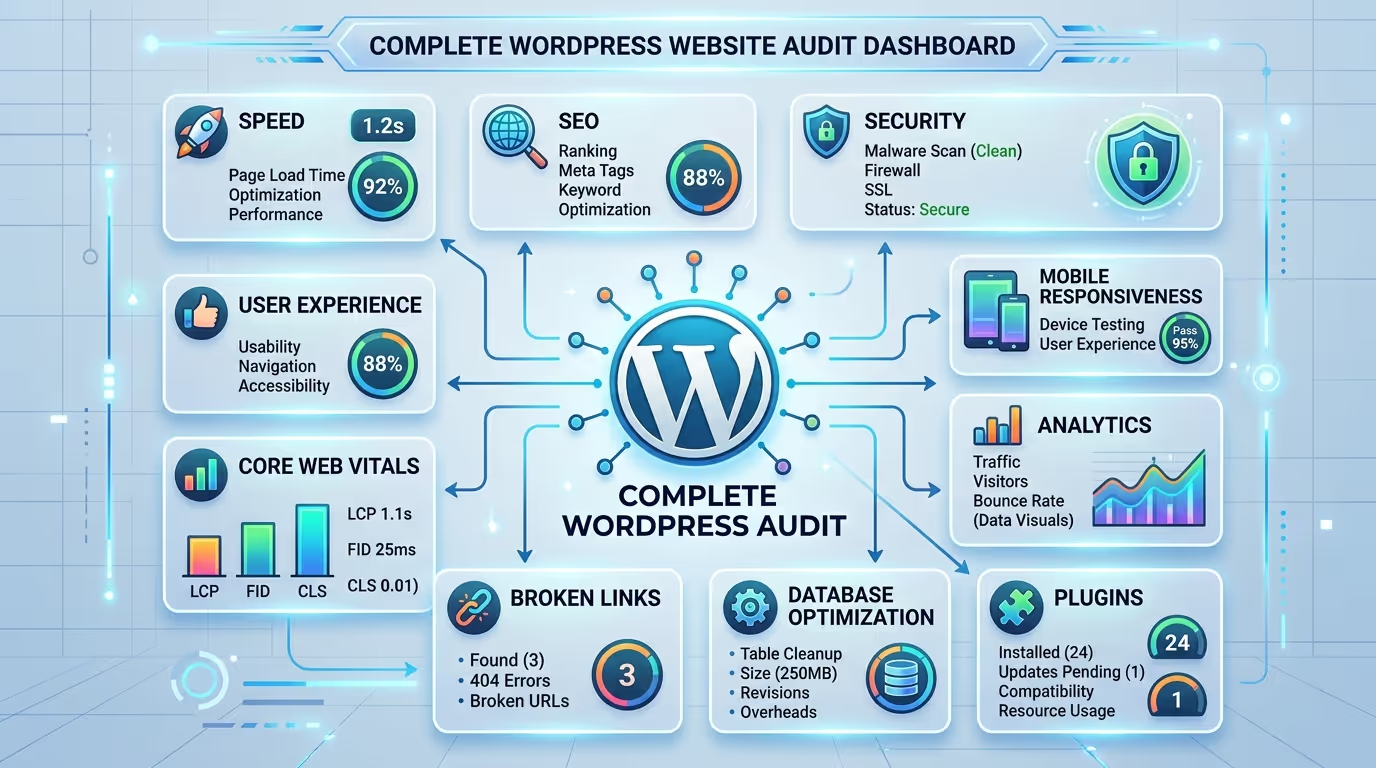
A complete audit typically examines:
- Website speed and Core Web Vitals
- Technical SEO
- On-page SEO
- Mobile responsiveness
- Website security
- Broken links
- Internal linking
- Image optimization
- Database performance
- User experience
- Website functionality
Regular audits allow you to fix issues proactively and keep your website optimized for both users and search engines.
Benefits of Performing a WordPress Website Audit
A regular WordPress website audit offers several long-term benefits for your website and business
Some of the biggest advantages include:
- Improved website speed and performance.
- Better search engine rankings.
- Stronger website security.
- Enhanced user experience.
- Increased conversion rates.
- Reduced technical issues.
- Better Core Web Vitals scores.
- Easier website maintenance.
- Improved website reliability.
Auditing your website regularly helps ensure every part of your WordPress site continues performing as intended.
The Complete WordPress Website Audit Checklist
A thorough WordPress website audit covers multiple aspects of your website. Use the checklist below to identify opportunities for improvement.
Check Website Speed and Core Web Vitals
Review your loading speed, Largest Contentful Paint (LCP), Interaction to Next Paint (INP), and Cumulative Layout Shift (CLS). Improving these metrics creates a faster experience and supports better SEO performance.
Review Technical SEO
Check crawlability, indexing status, canonical tags, structured data, XML sitemaps, robots.txt, and redirect issues to ensure search engines can properly access your website.
Audit On-Page SEO
Review page titles, meta descriptions, heading structure, keyword optimization, image alt text, and URL structure to improve your on-page SEO.
Check Mobile Responsiveness
Test your website on different devices to ensure layouts, navigation, and content display correctly across all screen sizes
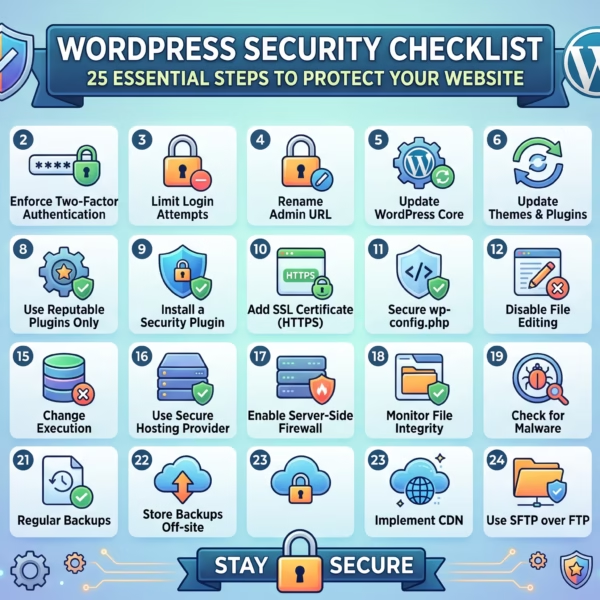
Test Website Security
Verify SSL is active, update WordPress core, plugins, and themes, scan for malware, and review user permissions to keep your website secure.
Analyze Internal Linking
Ensure important pages are connected through relevant internal links to improve navigation, distribute authority, and help search engines discover your content.
Find Broken Links and 404 Errors
Identify broken internal and external links, then repair or redirect them to improve both user experience and SEO.
Optimize Images
Compress large images, enable lazy loading, use modern formats like WebP, and ensure every image includes descriptive alt text.
Review Plugins and Themes
Remove unused plugins and themes, update active ones regularly, and check for compatibility or performance issues.
Check Database Performance
Clean unnecessary data such as post revisions, spam comments, expired transients, and orphaned tables to improve website speed.
Verify XML Sitemap and Robots.txt
Confirm your XML sitemap is accessible and your robots.txt file isn’t accidentally blocking important pages from search engines.
Test Forms and Website Functionality
Submit contact forms, newsletter forms, search features, WooCommerce checkout pages, and other interactive elements to ensure everything functions correctly.
Review User Experience (UX)
Evaluate website navigation, readability, page layouts, call-to-action placement, accessibility, and overall usability from a visitor’s perspective.
Analyze Google Search Console Errors
Review indexing issues, crawl errors, Core Web Vitals reports, mobile usability warnings, and security notifications inside Google Search Console.
Check Analytics and Traffic Performance
Analyze traffic sources, bounce rates, user behavior, conversions, and top-performing pages to identify opportunities for improvement.
WordPress Website Audit Checklist Table
| Audit Area | What to Check |
|---|---|
| Website Speed | Core Web Vitals, loading time, server response |
| Technical SEO | Crawlability, indexing, redirects, schema |
| On-Page SEO | Meta titles, descriptions, headings, keywords |
| Mobile Responsiveness | Mobile usability and responsive design |
| Website Security | SSL, malware, updates, user permissions |
| Internal Linking | Link structure and orphan pages |
| Broken Links | 404 pages and redirect errors |
| Images | Compression, WebP, lazy loading, alt text |
| Plugins & Themes | Updates, compatibility, unused software |
| Database | Revisions, transients, optimization |
| XML Sitemap | Sitemap accessibility and indexing |
| Forms | Contact forms, checkout, search functionality |
| User Experience | Navigation, readability, accessibility |
| Search Console | Crawl errors, indexing, Core Web Vitals |
| Analytics | Traffic, conversions, user behavior |
A complete WordPress website audit helps uncover hidden issues that affect your website’s performance, SEO, and security. At TecHippo, we provide expert SEO & Growth Optimization, Website Speed Optimization, and Monthly Website Management Plans to identify problems, improve performance, and keep your WordPress website running at its best.Get in touch with TecHippo today for a free consultation and let’s find the best WordPress theme for your SEO goals.
Best Tools for a WordPress Website Audit
Using the right tools makes performing a WordPress website audit faster, more accurate, and more effective. These tools help identify issues affecting your website’s SEO, speed, security, and overall performance.
Google Search Console
Google Search Console helps you monitor how your website performs in Google Search. It identifies indexing issues, crawl errors, Core Web Vitals, mobile usability problems, and security warnings that may affect your rankings.
Google PageSpeed Insights
Google PageSpeed Insights analyzes your website’s loading speed and Core Web Vitals while providing practical recommendations to improve performance on both desktop and mobile devices.
Google Analytics 4
Google Analytics 4 helps you understand visitor behavior, traffic sources, user engagement, and conversion performance, allowing you to identify pages that may require optimization.
GTmetrix
GTmetrix provides detailed website speed reports, including page load times, performance scores, waterfall charts, and optimization suggestions to improve loading speed.
Screaming Frog SEO Spider
Screaming Frog crawls your website to detect broken links, duplicate content, missing meta tags, redirect chains, crawl errors, and other technical SEO issues.
Ahrefs
Ahrefs is a powerful SEO platform that helps audit backlinks, keyword rankings, site health, internal linking, and overall SEO performance.
SEMrush
SEMrush offers a complete website audit with insights into technical SEO, on-page optimization, keyword performance, competitor analysis, and backlink health.
Wordfence Security
Wordfence helps identify malware, suspicious activity, firewall issues, login attempts, and other security vulnerabilities during your WordPress website audit.
How to Fix Common Issues Found During a WordPress Website Audit
Once you’ve completed your WordPress website audit, the next step is resolving the issues you’ve discovered. Addressing these problems improves website performance, user experience, and search engine rankings.
Improve Website Speed
Compress images, enable browser caching, minimize CSS and JavaScript files, use a Content Delivery Network (CDN), and choose reliable hosting to improve page loading times.
Fix Technical SEO Errors
Resolve crawl errors, broken redirects, duplicate content, missing canonical tags, indexing issues, and structured data problems to improve search engine visibility.
Optimize Meta Titles and Descriptions
Write unique, keyword-focused meta titles and descriptions for every important page to improve click-through rates and help search engines better understand your content.
Remove Broken Links
Repair or redirect broken internal and external links to improve navigation, preserve link equity, and enhance user experience.
Update Plugins and Themes
Keep WordPress core, plugins, and themes updated to improve security, compatibility, and website performance.
Improve Mobile Experience
Ensure your website is fully responsive, easy to navigate, and optimized for different screen sizes to provide a seamless mobile experience.
Strengthen Website Security
Install a trusted security plugin, enable SSL, use strong passwords, activate two-factor authentication, and perform regular malware scans to protect your website.
Optimize Images and Media Files
Compress images, use modern formats like WebP, enable lazy loading, and include descriptive alt text to improve loading speed and accessibility.
A thorough WordPress website audit identifies the issues holding your website back. TecHippo’s SEO & Growth Optimization, Website Speed Optimization, and WordPress Bug Fixing & Support services help resolve technical issues, improve search rankings, and enhance your website’s overall performance.Get in touch with TecHippo today for a free consultation and let’s find the best WordPress theme for your SEO goals.
Common WordPress Website Audit Mistakes to Avoid
A website audit is only effective when it’s performed correctly. Avoid these common mistakes to get the most accurate results.
- Focusing only on SEO while ignoring website speed.
- Forgetting to test mobile responsiveness.
- Ignoring security vulnerabilities.
- Overlooking broken links and redirect errors.
- Not reviewing Core Web Vitals.
- Leaving outdated plugins and themes installed.
- Ignoring Google Search Console warnings.
- Performing audits too infrequently.
- Making multiple changes without measuring results.
Avoiding these mistakes helps ensure your WordPress website audit delivers meaningful improvements.
How Often Should You Perform a WordPress Website Audit?
Regular audits keep your website healthy and performing at its best.
A recommended schedule includes:
- Monthly: Review website speed, plugins, and security.
- Quarterly: Perform a complete SEO and technical audit.
- After Major Updates: Audit your website following redesigns, migrations, or significant plugin changes.
- Immediately: Perform an audit if you notice traffic drops, performance issues, or security concerns.
Consistent audits help prevent small problems from becoming major issues.
DIY WordPress Website Audit vs Hiring Professionals
Many website owners perform basic audits using free online tools, which are useful for identifying common issues.
However, professional audits go much deeper by analyzing technical SEO, server performance, database health, security vulnerabilities, Core Web Vitals, and overall website strategy. An experienced WordPress specialist can identify hidden problems, recommend effective solutions, and ensure every aspect of your website is optimized.
If your website supports your business or generates revenue, investing in a professional WordPress website audit can save time and improve long-term results.
Why Regular Website Audits Improve SEO and Business Growth
A healthy website performs better in search engines and provides a better experience for visitors.
Regular audits help you:
- Improve SEO rankings.
- Increase website speed.
- Strengthen website security.
- Improve user experience.
- Increase conversions.
- Reduce technical issues.
- Support long-term business growth.
Keeping your website optimized ensures it continues delivering value to both your visitors and your business.
WordPress Website Audit Best Practices
To maximize the effectiveness of every WordPress website audit, follow these best practices:
- Perform audits on a regular schedule.
- Monitor Core Web Vitals consistently.
- Keep WordPress, plugins, and themes updated.
- Review Google Search Console regularly.
- Test your website on multiple devices.
- Back up your website before making major changes.
- Fix high-priority issues first.
- Track improvements after implementing changes.
Following these best practices helps maintain a fast, secure, and search-engine-friendly WordPress website.
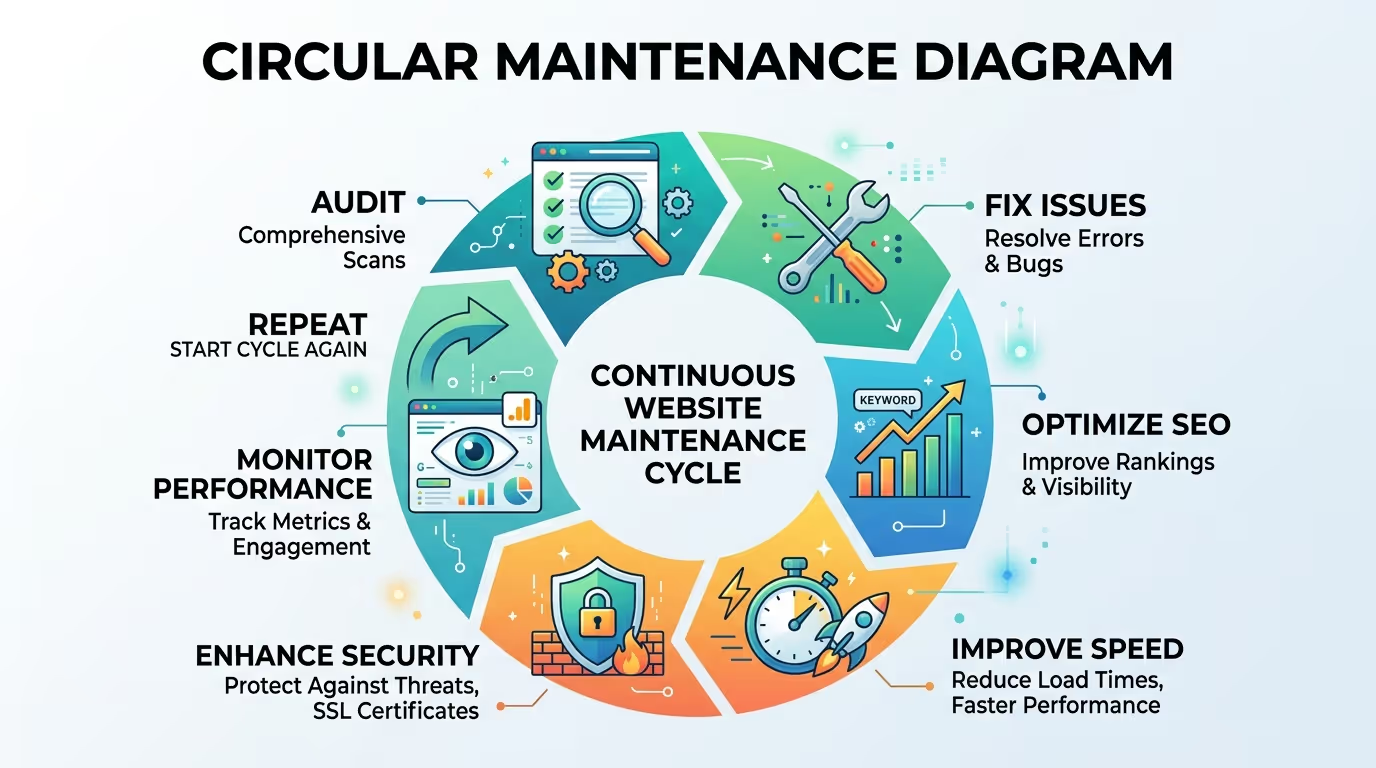
A professional WordPress website audit gives you a clear roadmap for improving your website’s performance, SEO, and security. TecHippo’s SEO & Growth Optimization, Website Speed Optimization, Monthly Website Management Plans, and WordPress Bug Fixing & Support services help keep your website optimized, secure, and ready for long-term business growth.Get in touch with TecHippo today for a free consultation and let’s find the best WordPress theme for your SEO goals.
Conclusion
A WordPress website audit is one of the most effective ways to maintain a fast, secure, and high-performing website. By regularly reviewing your website’s speed, SEO, security, user experience, and technical health, you can identify problems early and make improvements that benefit both your visitors and search engine rankings.
Whether you perform audits yourself or work with professionals, making website audits part of your regular maintenance routine will help your WordPress website remain reliable, competitive, and prepared for future growth.
 Reach us on WhatsApp