
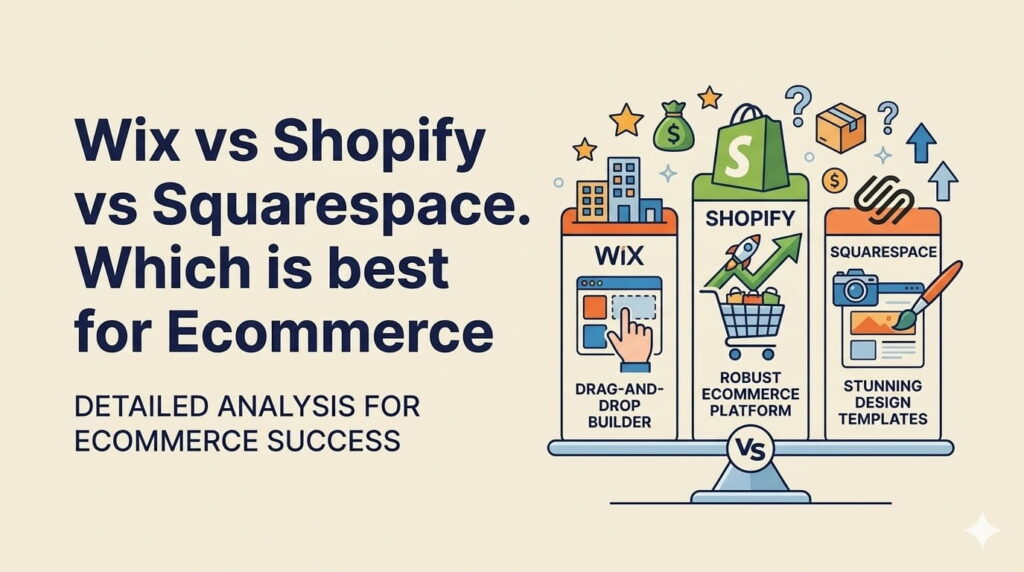
Choosing the right website builder is critical for your business. Whether you want to sell products, build a brand, or offer services, your platform directly impacts performance, scalability, and long-term growth.
This guide compares Wix vs Shopify vs Squarespace based on features, pricing, design flexibility, ease of use, and eCommerce capabilities so you can make a clear, practical decision without wasting time or money.
Quick Overview of Wix vs Shopify vs Squarespace
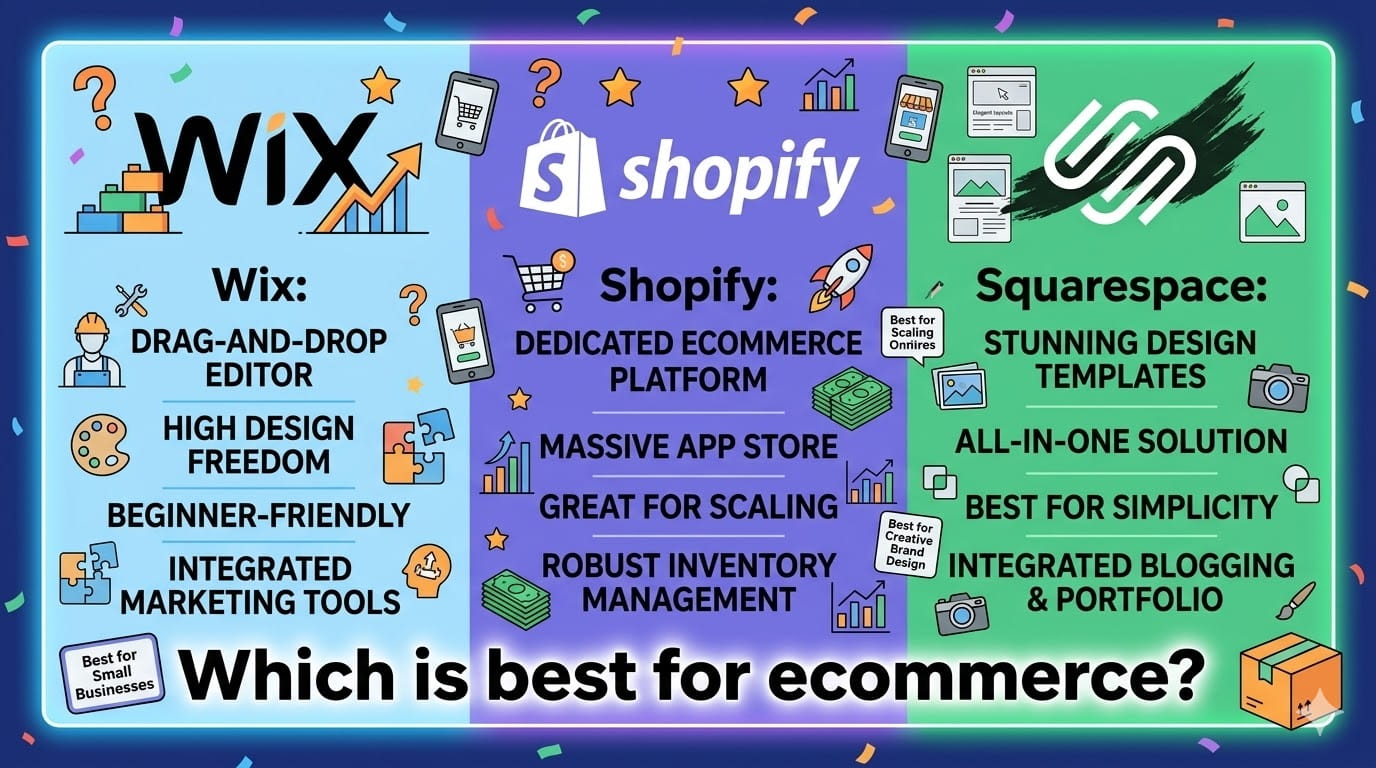
Each platform is designed with a different priority in mind, and that’s where most people get confused.
- Shopify is built for selling products at scale
- Wix focuses on design flexibility and creative freedom
- Squarespace balances design, simplicity, and functionality
If you pick the wrong one, you’ll either feel limited or overwhelmed.
Key Features Comparison
Here’s a quick side-by-side comparison of what each platform offers:
| Feature | Shopify | Wix | Squarespace |
|---|---|---|---|
| eCommerce Tools | Advanced | Basic | Moderate |
| Design Flexibility | Medium | High | Medium |
| Ease of Use | Moderate | Easy | Easy |
| SEO Tools | Good | Good | Good |
| App Ecosystem | Large | Growing | Limited |
Bottom line:
- Shopify dominates in eCommerce
- Wix wins in design control
- Squarespace offers a balanced experience
Platform Overview
Shopify
Shopify is built specifically for online stores. It comes with powerful backend tools for managing products, payments, shipping, and analytics.
You get everything needed to run a serious online business from inventory tracking to abandoned cart recovery.
Best For: Serious eCommerce businesses
Wix
Wix is a drag-and-drop website builder that gives you full control over design.
You can customize every part of your website visually, which makes it ideal for creatives, freelancers, and small business owners.
However, its eCommerce features are more basic compared to Shopify.
Best For: Small businesses, portfolios, and creatives
Squarespace
Squarespace focuses on clean design and ease of use.
It offers professionally designed templates and built-in tools for blogging, marketing, and light eCommerce.
You won’t get extreme flexibility like Wix or deep selling tools like Shopify but you get a smooth, polished experience.
Best For: Designers, bloggers, and service-based businesses
Pricing Comparison
Pricing can be misleading at first glance because real costs often increase with add-ons and advanced features.
Shopify Pricing
- Starts at $29/month
- Advanced plans go up to $299/month
- Additional costs for apps and integrations
- Transaction fees if not using Shopify Payments
Best suited for businesses that are serious about selling and scaling.
Wix Pricing
- Starts at $17/month
- No transaction fees on payments
- Multiple business plans available
- Extra costs for advanced features and apps
Affordable at the start, but costs can increase as you add tools.
Squarespace Pricing
- Starts at $23/month
- eCommerce available on higher plans
- Transaction fees on lower-tier plans
- Fewer hidden costs compared to others
Good value if you want built-in features without relying heavily on plugins.
Quick Insight:
- Shopify = Higher cost but powerful for eCommerce
- Wix = Budget-friendly with flexibility
- Squarespace = Balanced pricing with built-in tools
Design and Templates
Design plays a huge role in how your website is perceived. A poorly designed site kills trust instantly, no matter how good your product is.
Wix
Wix gives you complete creative control.
- Full drag-and-drop editor
- 800+ templates across industries
- Freedom to place elements anywhere
However, that freedom comes with a downside. If you don’t understand design basics, it’s very easy to create a messy, unprofessional layout.
Best for users who want full control and are confident in design.
Squarespace
Squarespace focuses on clean, modern design.
- Professionally designed templates
- Consistent layout structure
- Mobile-optimized designs
Customization is more limited compared to Wix, but that’s intentional it prevents design mistakes.
Best for users who want a polished website without overthinking design.
Shopify
Shopify prioritizes performance and conversions over design flexibility.
- Conversion-focused themes
- Clean, product-driven layouts
- Mobile-friendly by default
You won’t get full creative freedom, but the designs are optimized to sell.
Best for eCommerce brands focused on conversions, not aesthetics.
eCommerce Capabilities
If selling is your main goal, this section matters more than anything else.
Shopify
Shopify is built entirely for eCommerce.
- Advanced inventory management
- Multi-channel selling (Amazon, Instagram, etc.)
- Built for scaling large stores
- Abandoned cart recovery and analytics
This is the strongest eCommerce platform among the three no competition here.
Wix
Wix supports eCommerce, but it’s not its main strength.
- Suitable for small stores
- Basic product and payment features
- Limited advanced tools
Works fine for small businesses, but struggles with complex stores.
Squarespace
Squarespace offers a balanced eCommerce experience.
- Good for small to medium stores
- Strong support for digital products
- Clean product display and checkout
Ideal for creators selling digital products or a limited catalog.
Ease of Use
A powerful platform is useless if you can’t use it efficiently.
Wix
Wix is the easiest to use.
- Beginner-friendly interface
- True drag-and-drop builder
- No coding required
You can build a full website without any technical knowledge.
Squarespace
Squarespace offers a clean and structured experience.
- Simple and minimal interface
- Slight learning curve at the start
- Guided editing system
Easier than Shopify, but less flexible than Wix.
Shopify
Shopify is designed for managing stores, not just building pages.
- Focus on products, orders, and sales
- Structured dashboard
- Learning curve for beginners
Once you understand it, it’s powerful but not beginner-friendly at first.
SEO and Marketing Tools
All three platforms provide the essential tools needed to grow your website traffic.
Common features include:
- Meta titles and descriptions
- Custom URLs
- Blogging functionality
- Marketing integrations (email, ads, analytics)
However, advanced SEO often depends on how well you use these tools not just the platform itself.
If you want to improve your website rankings, read:
RankMath vs Yoast Which Plugin Is Best to Add Keywords to WordPress Website
Mobile Optimization
With most users browsing on mobile, this is non-negotiable.
- Shopify: Fully optimized for mobile sales with responsive themes and fast checkout
- Wix: Mobile-friendly, but requires manual adjustments for best results
- Squarespace: Automatically responsive with minimal effort
If you want zero hassle, Squarespace and Shopify handle mobile better than Wix.
Apps and Integrations
As your business grows, you’ll need more than just basic features. This is where apps and integrations make a big difference.
Shopify
Shopify has the strongest ecosystem.
- 8000+ apps in the marketplace
- Advanced tools for marketing, shipping, analytics, and automation
- Deep integrations with platforms like Google, Meta, and CRMs
Best choice if you plan to scale and need advanced functionality.
Wix
Wix has a growing app marketplace.
- Good selection of business tools
- Built-in features for bookings, forms, and marketing
- Limited depth compared to Shopify
Suitable for small to medium websites that don’t need complex integrations.
Squarespace
Squarespace keeps things simple.
- Limited third-party integrations
- Strong built-in tools (email marketing, scheduling, analytics)
- Less reliance on external apps
Great if you prefer an all-in-one system with fewer moving parts.
How to Choose Between Wix vs Shopify vs Squarespace
| Feature | Shopify | Wix | Squarespace |
|---|---|---|---|
| Platform | eCommerce-ready, strong | Flexible but hands-on | Clean and seamless |
| Mobile Optimization | Strong, eCommerce-ready | Flexible but hands-on | Clean and seamless |
| Extra Work Needed? | No | Yes | No |
| Mobile App for Management | Full-featured | Good, but less robust | Good for content & updates |
Choosing the wrong platform can cost you time, money, and growth opportunities. So be practical, not emotional.
Selection Tips
- Choose Shopify if your main goal is running an online store
- Choose Wix if you want full design flexibility
- Choose Squarespace if you want simplicity and clean design
Businesses that want a fully optimized, fast, and scalable website should consider Techippo Custom WordPress Website Development, where design, performance, and lead generation systems are built properly from the start.
Common Mistakes When Choosing a Website Builder
Most people pick a platform without thinking long term and regret it later.
Avoid these mistakes:
- Choosing based on price only
- Ignoring future scalability
- Overlooking website performance
- Picking the wrong platform for your business type
Example: Using Wix for a large eCommerce store or Shopify for a simple portfolio both are bad decisions.
Frequently Asked Questions
Which is better Wix or Shopify?
Shopify is better for eCommerce because it offers advanced selling tools, inventory management, and scalability.
Wix is better for design flexibility and simple websites.
Choose based on your goal: selling vs designing.
Is Squarespace better than Wix?
Squarespace provides better design consistency and professional templates.
Wix offers more customization and creative freedom.
Squarespace = clean design
Wix = flexibility
Which platform is best for beginners?
Wix is the easiest for beginners.
– Drag-and-drop builder
– No coding required
– Quick setup
Ideal if you want to launch quickly without technical skills.
Which platform is best for online stores?
Shopify is the best option for serious online stores.
– Built specifically for selling
– Handles large inventories
– Supports multi-channel selling
If revenue depends on your store, Shopify is the safest choice.
Final Verdict: Wix vs Shopify vs Squarespace
Each platform is strong but in different areas.
- Best for eCommerce: Shopify
- Best for design flexibility: Wix
- Best for simplicity and design: Squarespace
The right choice depends on your business model, not trends.
If you want a high-performance website built for speed, SEO, and conversions, Techippo Website Development and Optimization services can help you build and scale the right way.
You May Also Want to Read
These guides will help you improve your website performance and make better platform decisions:
 Reach us on WhatsApp