
Most beginners hit a wall when trying to design a website without coding. Themes feel limiting, and custom design seems complicated. That’s where a wordpress website builder plugin changes everything.
Instead of struggling with code, you can visually build pages using simple drag-and-drop tools. Whether you’re creating a business site, blog, or online store, the right builder can save hours of work.
In this guide, you’ll learn:
- What a wordpress website builder plugin actually is
- Whether you really need one
- How we tested the top options
- The 7 best plugins you can use in 2026
- Which one is right for your needs
What is a WordPress Website Builder Plugin?
A wordpress website builder plugin is a tool that allows you to design your website visually without writing code.
Instead of editing layouts manually, you can:
- Drag elements (text, images, buttons)
- Drop them anywhere on the page
- Customize everything in real-time
Key Features:
- Drag-and-drop interface
- Pre-designed templates
- Live visual editing
- No coding required
Theme vs Plugin (Important Difference)
- Theme: Controls overall website design (header, footer, colors)
- Plugin: Adds functionality (like a builder)
Page Builder vs Block Editor
- Block Editor (Gutenberg): Basic layout control
- Page Builder Plugin: Advanced design flexibility and full customization
If you want full control over your design, a wordpress website builder plugin is the better option.
Do You Really Need a WordPress Website Builder Plugin?
Not everyone needs a builder but for most users, it’s a huge advantage.
You NEED a builder if you are:
- A beginner with no coding knowledge
- A business owner building a professional site
- A marketer creating landing pages
You DON’T need it if:
- You’re a developer
- You’re running a very simple blog
- You’re okay with basic layouts
Benefits of Using a WordPress Website Builder Plugin:
- Faster website design
- Fully custom layouts
- No technical skills required
- Better control over user experience
For most users, a wordpress website builder plugin turns a complex process into something simple and efficient.
How We Tested These WordPress Website Builder Plugins
We didn’t just list random tools. Every wordpress website builder plugin in this guide was evaluated based on real usage.
Our Testing Criteria:
- Ease of Use: Can beginners use it easily?
- Features & Flexibility: Design freedom and advanced options
- Templates: Quality and variety of pre-built designs
- Speed & Performance: Does it slow down your site?
- Pricing: Value for money
Real-World Testing
We tested each plugin by:
- Building landing pages
- Creating full websites
- Measuring loading speed
- Checking mobile responsiveness
This ensures that every wordpress website builder plugin listed here actually works in real scenarios not just on paper.
Quick Comparison – Best WordPress Website Builder Plugin
Here’s a quick overview of the top options:
| Plugin | Best For | Starting Price | Ease of Use |
|---|---|---|---|
| Elementor | Beginners & professionals | Free / Paid | Very Easy |
| Divi Builder | Designers & agencies | Paid | Easy |
| WPBakery | Theme integration | Paid | Moderate |
| Beaver Builder | Stability & performance | Paid | Easy |
| Brizy | Simplicity | Free / Paid | Very Easy |
| Oxygen | Developers | Paid | Advanced |
| Gutenberg | Built-in WordPress editor | Free | Easy |
Each wordpress website builder plugin has its strengths, depending on your goals and experience level.
Top 7 Best WordPress Website Builder Plugin
Choosing the right wordpress website builder plugin can completely change how you build and manage your site. Some focus on design flexibility, others on speed or conversions. Below are the top-performing options that actually deliver results in real-world use.
1. SeedProd (Best Overall WordPress Website Builder Plugin)
Overview
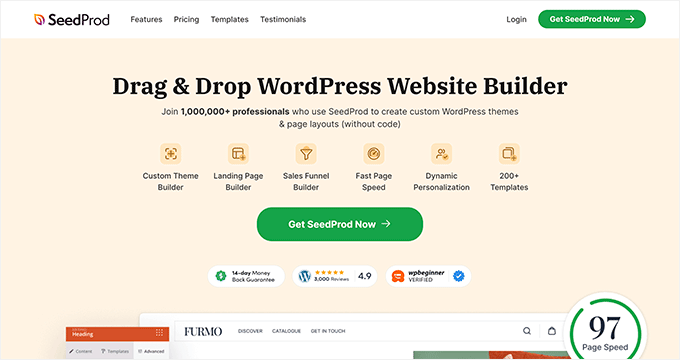
SeedProd is widely considered the best all-around wordpress website builder plugin, especially for beginners and marketers who want speed, simplicity, and professional results without complexity.
Key Features
- Drag-and-drop visual builder
- 300+ ready-made templates
- Landing page and theme builder
- Built-in coming soon & maintenance mode
- Fast and lightweight performance
Pros
- Extremely beginner-friendly
- Optimized for speed
- No coding required
- Great template library
Cons
- Advanced design flexibility is limited compared to some competitors
- Some features locked behind paid plans
Best For
- Beginners
- Small business owners
- Marketers building landing pages
If you want a reliable wordpress website builder plugin that just works without a learning curve, SeedProd is a strong choice.
2. Thrive Architect (Best for Conversions)
Overview
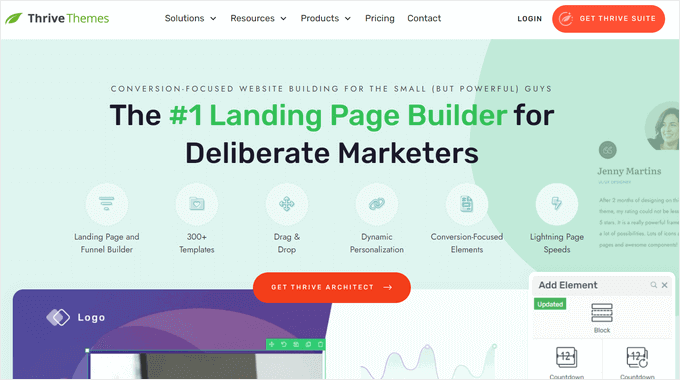
Thrive Architect is a powerful wordpress website builder plugin built specifically for marketers who care about conversions, leads, and sales.
Conversion-Focused Features
- Pre-built conversion templates
- Lead generation elements
- Countdown timers and CTAs
- Sales page builder
A/B Testing
While A/B testing is handled through Thrive Optimize, it integrates seamlessly, allowing you to test headlines, layouts, and offers easily.
Pros
- Built for conversions and marketing
- High-quality landing page templates
- Strong integration with marketing tools
Cons
- Not ideal for complete beginners
- Requires Thrive ecosystem for full power
Best For
- Marketers
- Funnel builders
- Business owners focused on ROI
If your main goal is turning visitors into customers, this wordpress website builder plugin stands out.
3. Beaver Builder (Best for Agencies)
Overview
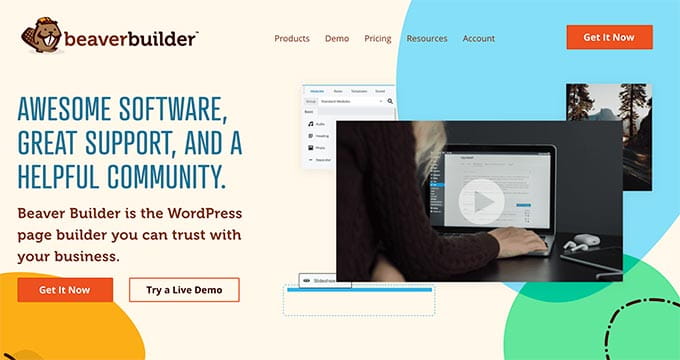
Beaver Builder is a stable and professional wordpress website builder plugin trusted by agencies and developers for client work.
Ease of Use
- Clean and simple interface
- Front-end visual editing
- Minimal learning curve
White Labeling
One of its standout features is white labeling, allowing agencies to rebrand the builder for clients something most plugins don’t offer.
Pros
- Extremely stable and reliable
- Clean code output
- Great for client projects
- White label support
Cons
- Fewer design features compared to competitors
- Not as flashy in terms of UI
Best For
- Agencies
- Freelancers
- Developers managing client sites
For professionals who value stability and scalability, this wordpress website builder plugin is a solid long-term choice.
4. Divi Builder (Best All-in-One Design Tool)
Overview
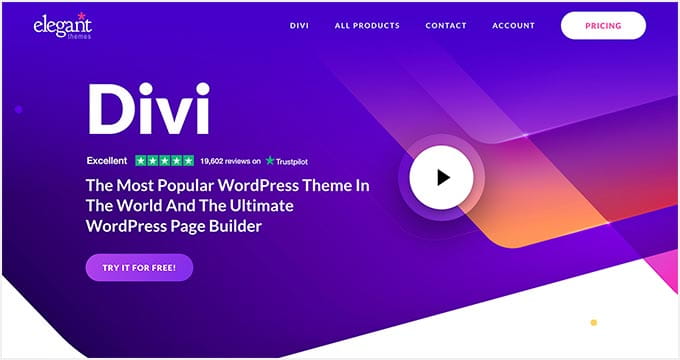
Divi Builder by Elegant Themes is a powerful wordpress website builder plugin that combines design flexibility with an all-in-one ecosystem.
Visual Builder
- Real-time front-end editing
- Drag-and-drop interface
- Advanced design controls (spacing, animations, effects)
- Global elements and styles
Lifetime Pricing
One of Divi’s biggest advantages is its lifetime deal pay once and use it forever, which makes it cost-effective compared to subscription-based builders.
Pros
- Highly customizable
- Huge template library
- Built-in split testing
- Strong community support
Cons
- Slight learning curve
- Can feel heavy if not optimized properly
Best For
- Designers
- Agencies
- Users wanting full control
This wordpress website builder plugin is ideal if you want design freedom without relying on multiple tools.
5. Elementor (Most Popular WordPress Website Builder Plugin)
Overview
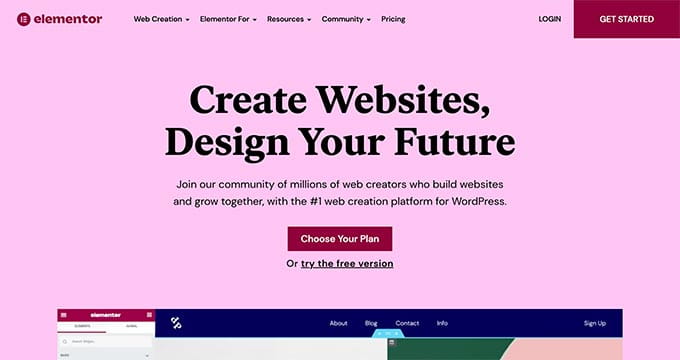
Elementor is the most widely used wordpress website builder plugin, powering millions of websites thanks to its flexibility and massive ecosystem.
Widgets & Templates
- 100+ widgets
- Pre-built templates and kits
- Theme builder functionality
- WooCommerce integration
Flexibility
Elementor gives you complete design control from headers to footers to dynamic content making it a go-to wordpress website builder plugin for almost any type of website.
Performance Concerns
While powerful, Elementor can slow down websites if not optimized properly. Using good hosting and caching is essential.
Pros
- Extremely flexible
- Huge community and add-ons
- Beginner to advanced friendly
Cons
- Can impact speed
- Some features require Pro version
Best For
- Beginners and professionals
- Business websites
- eCommerce stores
6. Visual Composer (Best for Full Site Editing)
Overview
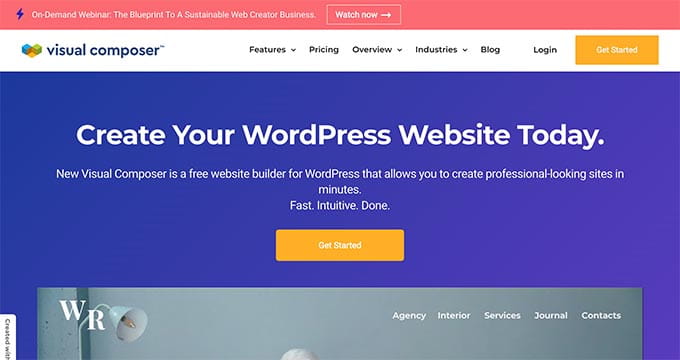
Visual Composer is a complete wordpress website builder plugin designed for full-site editing with strong design control.
Frontend Editing
- True front-end drag-and-drop builder
- Inline editing experience
- Real-time preview
Design Control
- Grid builder and layout system
- Header, footer, and sidebar editing
- Design elements and templates
Pros
- Full website editing capabilities
- Flexible layout control
- Beginner-friendly interface
Cons
- Smaller ecosystem compared to Elementor
- Some advanced features require premium
Best For
- Users who want full-site editing
- Designers needing layout control
If you want complete control over every part of your site, this wordpress website builder plugin is worth considering.
7. Brizy (Best Beginner-Friendly Builder)

Overview
Brizy is a clean and modern wordpress website builder plugin built specifically for simplicity and ease of use.
Simplicity
- Minimal interface
- Drag-and-drop editing
- Inline text editing
UI Experience
Brizy focuses heavily on user experience, making it one of the easiest wordpress website builder plugin options for beginners.
Pros
- Very easy to use
- Clean and modern UI
- Fast setup
Cons
- Fewer advanced features
- Smaller template library
Best For
- Beginners
- Simple business websites
- Personal projects
Which WordPress Website Builder Plugin Should You Choose?
Choosing the right wordpress website builder plugin depends on your goals, not just features.
Based on Use Case:
- Beginners → Brizy / Elementor
- Marketers → Thrive Architect
- Agencies → Beaver Builder
- All-in-One Solution → SeedProd / Divi
If you want something simple, go with beginner-friendly tools. If you’re building a serious business or scaling fast, pick a more powerful wordpress website builder plugin that won’t limit you later.
The mistake most people make? Choosing based on ease instead of long-term needs.
Pros and Cons of Using a WordPress Website Builder Plugin
Using a wordpress website builder plugin can make website creation incredibly easy but it comes with trade-offs.
Pros:
- No coding required – Build professional websites without technical skills
- Fast design – Launch pages quickly using templates and drag-and-drop tools
- Flexibility – Customize layouts, colors, and elements exactly how you want
Cons:
- Can affect speed – Some builders add extra code that slows down your site
- Plugin dependency – Switching builders later can be difficult
The key is choosing a lightweight and optimized wordpress website builder plugin to avoid performance issues.
Final Verdict
After comparing all options, here’s the honest breakdown:
- Best overall wordpress website builder plugin: SeedProd
- Best for beginners: Elementor / Brizy
- Best for business websites: WordPress + builder combo
If you’re serious about building a professional website, a reliable wordpress website builder plugin is a must. It saves time, improves design, and gives you full control without coding.
The smartest move? Choose a wordpress website builder plugin that balances ease of use with performance so your site looks good and loads fast.
FAQs
What is the best WordPress website builder plugin?
The best website builder plugin depends on your needs. SeedProd is best overall, Elementor is great for flexibility, and Brizy is ideal for beginners.
Is Elementor better than other website builder plugin options?
Elementor is one of the most popular choices due to its flexibility and features, but it may not always be the fastest. Other options like SeedProd or Beaver Builder can perform better depending on your use case.
Do I need a WordPress website builder for my site?
Not always. If you’re building a simple blog, you may not need a website builder plugin. But for business websites, landing pages, or custom designs, it’s highly recommended.
Are free WordPress website builder tools good enough?
Free versions of a website builder plugin can work for basic sites. However, premium versions offer better templates, advanced features, and more control.
Which website builder plugin is fastest?
Lightweight options like SeedProd and Beaver Builder are generally faster compared to heavier builders like Elementor (if not optimized properly).
 Reach us on WhatsApp