
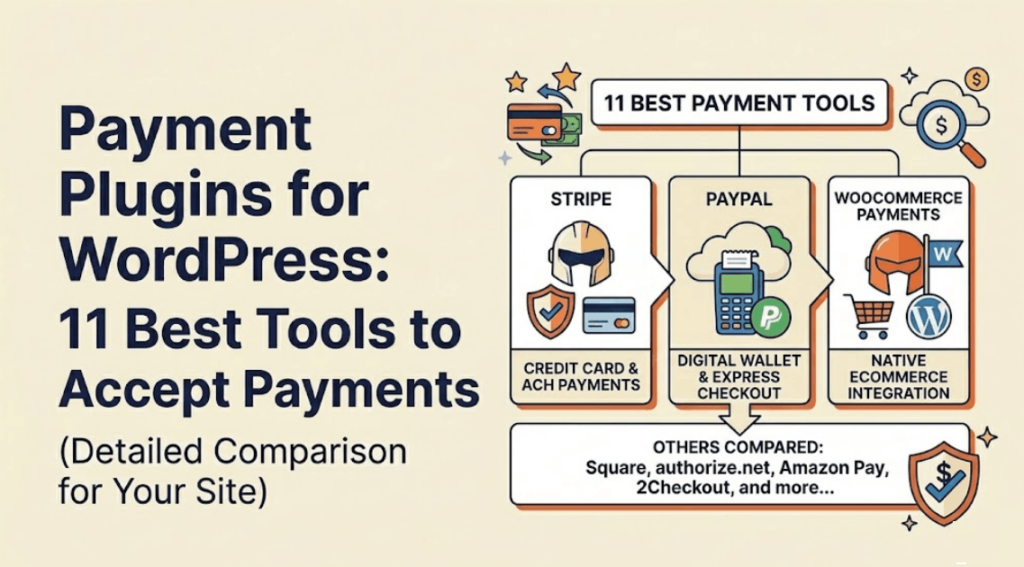
Accepting payments on your website is essential if you sell products, services, or subscriptions. Without a proper system in place, you risk losing customers at the checkout stage.
The right payment plugins for wordpress ensure that your checkout process is smooth, secure, and reliable for users.
There are many options available, but not all plugins are built for the same purpose. Some are designed for simple payments, while others support full eCommerce stores with advanced features.
In this guide, we compare the best payment plugins for wordpress so you can choose the right solution based on your business needs.
Why You Need Payment Plugins for WordPress
Without a proper payment system, collecting payments online becomes difficult and unreliable.
Using the right payment plugins for wordpress helps streamline transactions and improves the overall user experience.
Key Benefits
Accept payments directly on your website
Customers can complete transactions without leaving your site, improving trust and convenience.
Support multiple payment methods
Allow users to pay using credit cards, PayPal, Stripe, or other modern payment options.
Improve checkout experience
A smooth and fast checkout process reduces cart abandonment.
Increase conversions and revenue
Better payment systems lead to more successful transactions.
Maintain secure transactions
Most payment plugins support secure protocols like SSL and PCI compliance.
How We Tested the Best Payment Plugins for WordPress
There are many payment plugins for wordpress, but not all of them provide reliable performance.
To find the best options, we tested each plugin in real-world scenarios.
We focused on usability, performance, compatibility, and security to ensure that the plugins work effectively for different types of websites.
Evaluation Criteria
Ease of setup and use
Plugins should be easy to install and configure without technical expertise.
Payment gateway support
We checked compatibility with popular gateways like Stripe, PayPal, and others.
Transaction speed and reliability
Smooth and fast transactions are essential for user experience.
Security and PCI compliance
Security features such as encryption and compliance standards were evaluated.
Compatibility with themes and plugins
Plugins should work well with different WordPress setups.
Pricing and value
We compared free and premium features to determine overall value.
Quick Comparison of Payment Plugins for WordPress
Before diving into detailed reviews, here is a quick comparison of the most popular payment plugins for wordpress.
| Plugin | Payment Methods | Setup Time | Best For | Rating |
|---|---|---|---|---|
| WP Simple Pay | Stripe | 5 mins | Simple payments | 5/5 |
| WPForms | PayPal, Stripe | 10 mins | Custom forms | 4.9/5 |
| WPCharitable | PayPal, Stripe | 10 mins | Donations | 4.8/5 |
| Easy Digital Downloads | 30+ gateways | 20 mins | Digital products | 5/5 |
| WooCommerce | 100+ gateways | 30 mins | Online stores | 4.9/5 |
| MemberPress | PayPal, Stripe | 15 mins | Memberships | 4.9/5 |
| WC Vendors | WooCommerce gateways | 25 mins | Marketplaces | 4.5/5 |
| Formidable Forms | PayPal, Stripe | 15 mins | Advanced forms | 4.7/5 |
| Stripe Plugin | Stripe | 5 mins | Quick setup | 4.6/5 |
| Now Payments | Crypto | 10 mins | Crypto payments | 4.6/5 |
| FunnelKit Stripe | Stripe | 10 mins | Checkout optimization | 4.8/5 |
This table gives you a quick idea of which plugin might suit your needs depending on your website type and payment requirements.
11 Best Payment Plugins for WordPress
Now let’s take a closer look at the most reliable payment plugins for wordpress.
1. WP Simple Pay

WP Simple Pay is one of the easiest ways to start accepting payments on a WordPress website. It is designed for users who want a simple payment solution without setting up a full eCommerce system.
The plugin integrates directly with Stripe and allows you to accept payments using multiple methods, including credit cards and digital wallets.
It also supports both one-time payments and recurring subscriptions, making it suitable for freelancers, consultants, and small businesses.
Key Features
- Stripe integration
- One-time and recurring payments
- Drag and drop builder
- Ready-made payment templates
Pros
- Easy setup process
- Beginner-friendly interface
- No need for a full eCommerce store
Cons
- Limited features in the free version
- Transaction fees on the free plan
Best for: Simple payments and freelancers
2. WPForms
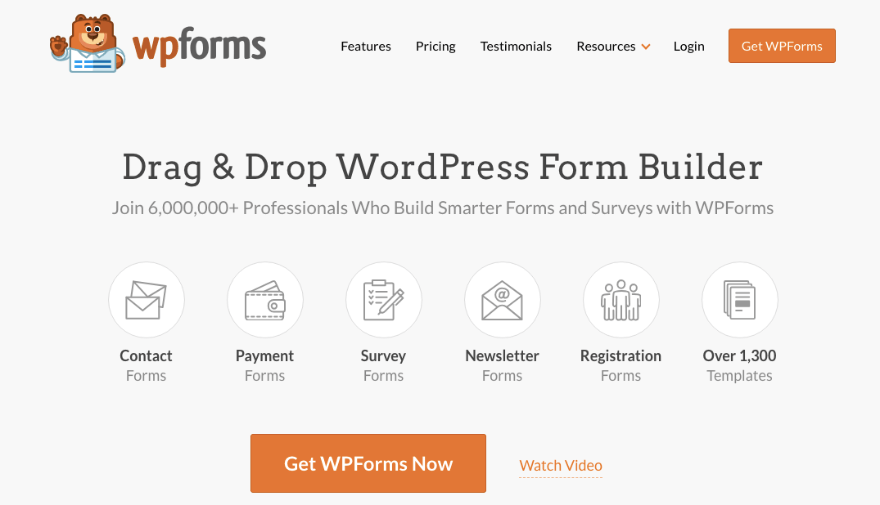
WPForms is one of the most flexible payment plugins for wordpress, especially for users who want to create custom payment forms without building a full online store.
It allows you to design payment forms for orders, bookings, donations, and more using a simple drag and drop builder.
Key Features
- Payment form builder
- Multiple payment gateways
- Conditional logic
- Ready-made templates
Pros
- Easy to use
- Highly flexible form creation
Cons
- Requires add-ons for full payment features
Best for: Custom payment forms
3. WPCharitable

WPCharitable is designed specifically for collecting donations and running fundraising campaigns.
It is one of the best payment plugins for wordpress for non-profit organizations.
Key Features
- Donation forms
- Recurring payments
- Campaign management
Pros
- Built for non-profits
- Simple setup process
Cons
- Limited use cases outside donations
Best for: Donation and fundraising websites
4. Easy Digital Downloads

Easy Digital Downloads is built for selling digital products such as ebooks, software, and online files.
It offers a complete system for managing digital sales and payments.
Key Features
- Digital product selling
- Multiple payment integrations
- Built-in reporting tools
Pros
- Designed specifically for digital products
- Powerful and scalable
Cons
- Paid plans required for advanced features
Best for: Digital product websites
5. WooCommerce

WooCommerce is the most popular eCommerce plugin for WordPress. It transforms your website into a complete online store.
It supports both physical and digital products and offers a wide range of payment options.
Key Features
- Full eCommerce system
- Multiple payment gateways
- Inventory and shipping management
Pros
- Highly customizable
- Scalable for large businesses
Cons
- Requires setup and configuration
- Can be complex for beginners
Best for: Full online stores
6. MemberPress

MemberPress is a powerful plugin for creating membership websites with recurring payments.
It allows you to restrict content and manage subscriptions easily.
Key Features
- Membership system
- Subscription payments
- Content restriction
Pros
- Ideal for recurring revenue models
- Easy membership management
Cons
- Higher pricing compared to other plugins
Best for: Membership sites and subscriptions
7. WC Vendors

WC Vendors is used to create multi-vendor marketplaces where multiple sellers can sell products on your website.
It works on top of WooCommerce.
Key Features
- Multi-vendor marketplace setup
- Vendor payment management
- Commission system
Pros
- Supports marketplace businesses
Cons
- Requires WooCommerce to function
Best for: Marketplace websites
8. Formidable Forms

Formidable Forms is an advanced form builder that also supports payments.
It is suitable for complex payment forms and calculations.
Key Features
- Advanced form builder
- Payment integration
- Calculation features
Pros
- Flexible and powerful
- Handles complex scenarios
Cons
- Learning curve for beginners
Best for: Advanced custom payment forms
9. Stripe Payment Plugin for WooCommerce

This plugin integrates Stripe directly into WooCommerce, making payment processing fast and secure.
Key Features
- Stripe checkout integration
- Multiple payment methods
- Refund management
Pros
- Fast and smooth checkout
- Free plugin
Cons
- Works only with WooCommerce
Best for: WooCommerce Stripe payments
10. Now Payments
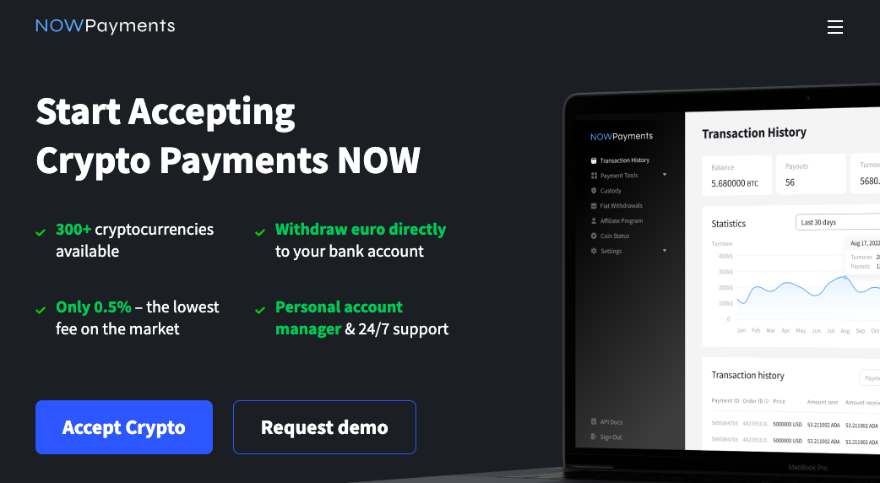
Now Payments allows you to accept cryptocurrency payments on your WordPress website.
It supports a large number of digital currencies.
Key Features
- Cryptocurrency payments
- Automatic conversion to fiat
- Supports 300+ currencies
Pros
- Easy crypto integration
Cons
- Limited use for general audiences
Best for: Crypto-based businesses
11. FunnelKit Stripe
FunnelKit Stripe is designed to optimize the checkout process and increase conversions.
It integrates deeply with WooCommerce and Stripe.
Key Features
- Optimized checkout experience
- One-click upsells
- Express payment options
Pros
- Improves conversion rates
- Free to use
Cons
- Requires WooCommerce
Best for: Conversion-focused checkout
Price Comparison Table
Here is a quick pricing overview of the most popular payment plugins for wordpress:
| Plugin | Free Version | Paid Plan |
|---|---|---|
| WP Simple Pay | Yes | $49.50 per year |
| WPForms | Yes | $49.50 per year |
| WPCharitable | Yes | $69 per year |
| Easy Digital Downloads | No | $99.50 per year |
| WooCommerce | Yes | Paid extensions |
| MemberPress | No | $179.50 per year |
| WC Vendors | No | $99.50 per year |
| Formidable Forms | No | $39.50 per year |
| Stripe Plugin | Yes | Free |
| Now Payments | Yes | 0.5% transaction fee |
| FunnelKit Stripe | Yes | Free |
This comparison helps you understand which plugins fit your budget and business requirements.
How to Choose the Right Payment Plugin
Choosing the right payment plugins for wordpress depends on your business model, not just features. A plugin that works perfectly for a freelancer may not work for an eCommerce store.
Instead of picking the most popular option, focus on what your website actually needs.
Selection Tips
Use simple plugins for basic payments
If you only need to accept one-time payments or small transactions, simple tools like WP Simple Pay or form-based plugins are enough.
Use WooCommerce for full stores
If you are building a complete online store with products, shipping, and inventory, WooCommerce is the right choice.
Use membership plugins for subscriptions
For recurring payments, courses, or gated content, membership plugins like MemberPress are more suitable.
Avoid multiple payment plugins
Using more than one payment plugin can cause conflicts, slow down your website, and create checkout issues.
For a fast, secure, and conversion-focused setup, Techippo Website Development and Optimization ensures your checkout system is optimized for performance, speed, and user experience.
Common Mistakes to Avoid
Even with the best payment plugins for wordpress, mistakes in setup can reduce performance and conversions.
Avoid these common issues:
Using multiple payment plugins
This can create conflicts and slow down your website.
Ignoring transaction fees
Many free plugins include hidden fees that reduce your profit over time.
Choosing complex tools unnecessarily
Using advanced plugins when you only need basic functionality adds unnecessary complexity.
Not optimizing checkout experience
A slow or complicated checkout process leads to abandoned transactions.
Frequently Asked Questions
Why do I need payment plugins for wordpres
Payment plugins allow you to securely accept payments directly on your website. Without them, you cannot process transactions efficiently, which can result in lost customers and revenue.
Are there free payment plugins
Yes, many payment plugins for wordpress offer free versions. However, free versions often include transaction fees or limited features, which may increase costs as your business grows.
Are payment plugins secure
Yes, most modern payment plugins are built with strong security features. They support SSL encryption, PCI compliance, and secure payment gateways to protect user data and transactions.
Can I use multiple payment plugins
It is not recommended to use multiple payment plugins. This can cause technical conflicts, slow down your website, and create issues during checkout.
It is better to use one reliable plugin that meets all your requirements.
Final Verdict: Best Payment Plugins for WordPress
After comparing all options, here are the top recommendations:
- Best overall: WP Simple Pay
- Best for forms: WPForms
- Best for digital products: Easy Digital Downloads
- Best for stores: WooCommerce
Each plugin serves a different purpose, so the best choice depends on your business model.
👉 Choose based on your needs, not popularity.
You May Also Want to Read
If you want to improve your WordPress website further, these guides will help:
- WooCommerce vs Shopify Which is Better
- WordPress Website Slow to Load Causes Fixes and Proven Speed Optimization Steps
- Top 7 Best WordPress Website Builder Plugin
- How to Publish a WordPress Website
These resources will help you build a faster, more optimized, and high-performing website.

 Reach us on WhatsApp