
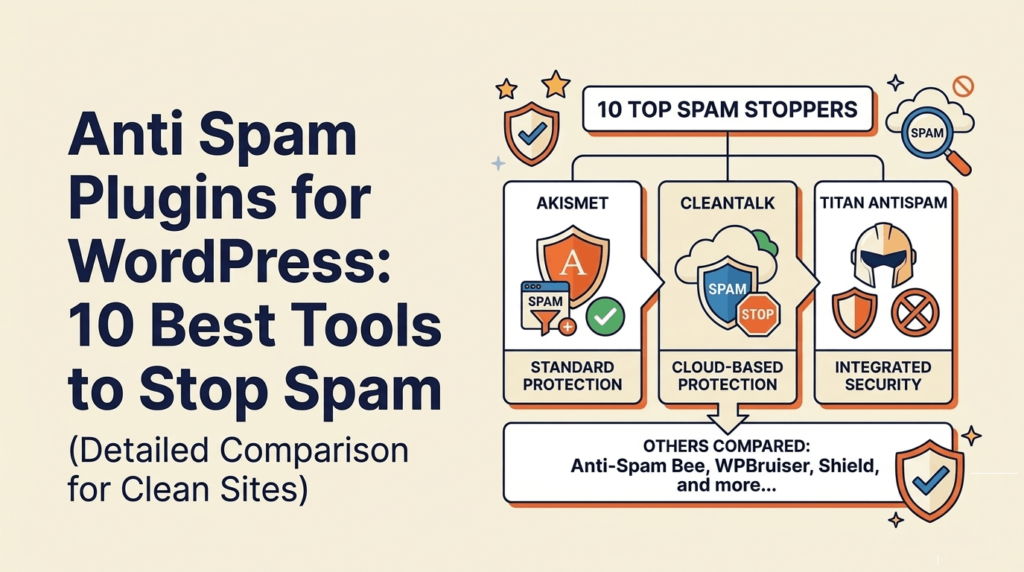
Spam is one of the most common problems for WordPress websites. Whether it’s fake comments, bot registrations, or spam form submissions, it can quickly turn into a serious issue if ignored.
At first, it might seem like a small inconvenience. But over time, spam can slow down your website, fill your database with useless data, and reduce trust among real visitors.
This is why choosing the right anti spam plugins for wordpress is not optional. It is a necessary step to keep your website clean, fast, and secure.
In this guide, we compare the best tools that help you block spam, improve performance, and protect your entire website from unwanted activity.
Why You Need Anti Spam Plugins for WordPress
Spam is not just about annoying comments. It affects your website in ways that many people do not notice until it becomes a bigger problem.
Without proper protection, bots can target multiple parts of your website including comments, login pages, contact forms, and even checkout pages.
Using the right anti spam plugins for wordpress helps prevent these issues before they affect your performance and user experience.
Common Problems Caused by Spam
Slows down your website
Spam adds unnecessary load to your database and server, which can reduce page speed and overall performance.
Fills your database
Thousands of spam comments and fake entries can clutter your database, making it harder to manage your website.
Affects SEO and trust
Spam content can make your website look unprofessional and reduce trust for real visitors and search engines.
Creates fake users and orders
Bots can create fake accounts or even fake orders, especially on WooCommerce websites.
Distorts analytics data
Spam traffic can affect your reports, making it harder to understand real user behavior.
How We Tested the Best Anti Spam Plugins for WordPress
There are many anti spam plugins for wordpress, but not all of them are effective or reliable.
To create this list, we evaluated each plugin based on real-world usage, performance impact, and how well it handles different types of spam.
The goal was to find plugins that not only block spam but also maintain a smooth user experience without slowing down the website.
Evaluation Criteria
Effectiveness in blocking spam
We checked how well each plugin blocks spam comments, bot registrations, and form submissions.
Ease of use and setup
Plugins should be easy to install and configure without requiring technical knowledge.
Performance impact
Lightweight plugins were prioritized to ensure they do not slow down the website.
Privacy and GDPR compliance
We considered whether plugins process data locally or send it to external servers.
Protection scope
We evaluated whether the plugin protects only comments or the entire website including login pages and forms.
Quick Comparison of Anti Spam Plugins for WordPress
Before going into detailed reviews, here is a quick comparison of the most popular anti spam plugins for wordpress.
| Plugin | Pricing | Best For | Scope | Performance |
|---|---|---|---|---|
| Antispam Bee | Free | Privacy-focused blogs | Comments | Very Light |
| CleanTalk | Paid | Business websites | Full site | Light |
| Akismet | Freemium | Bloggers | Comments + forms | Medium |
| WP Armour | Free | Basic bot protection | Forms + comments | Very Light |
| Zero Spam | Free | Multi-form sites | Forms + login | Very Light |
| AIOS | Freemium | All-in-one security | Full site | Light |
| WP Cerber | Freemium | Advanced users | Full site | Medium |
| Stop Spammers | Freemium | Heavy spam attacks | Full site | Heavy |
This table gives you a quick overview of which plugin might suit your needs based on your website type and level of spam protection required.
10 Best Anti Spam Plugins for WordPress
Now let’s look at the most effective anti spam plugins for wordpress in detail. Each plugin serves a different purpose, so choosing the right one depends on your website type and level of protection needed.
1. Antispam Bee
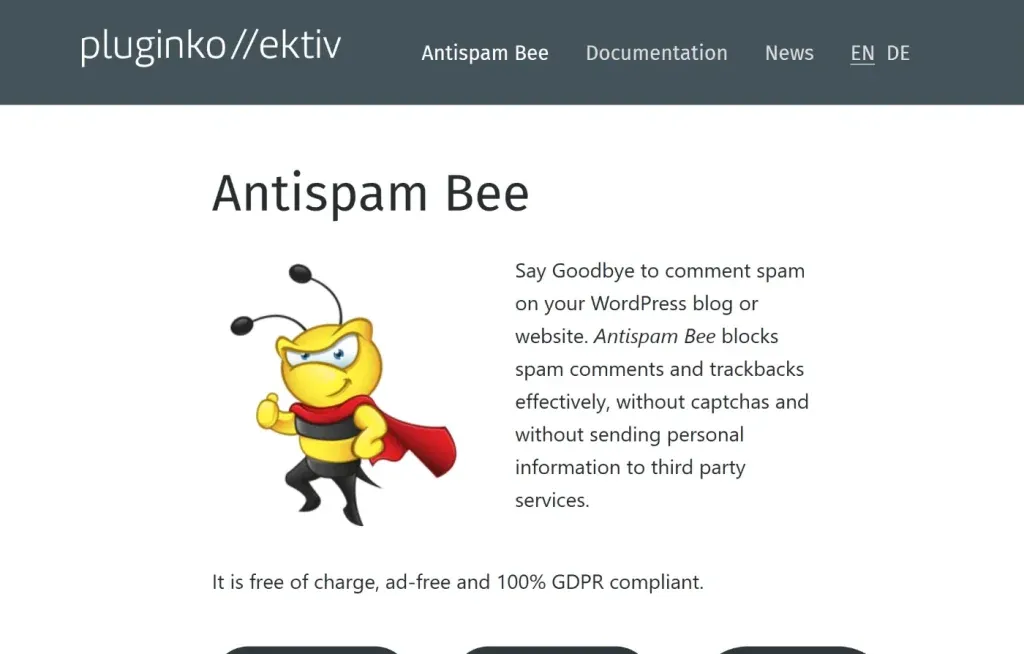
Antispam Bee is one of the most popular free anti spam plugins for wordpress, especially for users who care about privacy and GDPR compliance.
It works locally on your server and does not send user data to external services, which makes it a strong choice for privacy-focused websites.
Key Features
- Fully GDPR compliant
- Blocks spam comments locally
- Country-based filtering
- IP validation
Pros
- Completely free
- Privacy-friendly
- Very lightweight
Cons
- Only protects comments
- Limited advanced detection
Best for: Bloggers and privacy-focused websites
2. CleanTalk
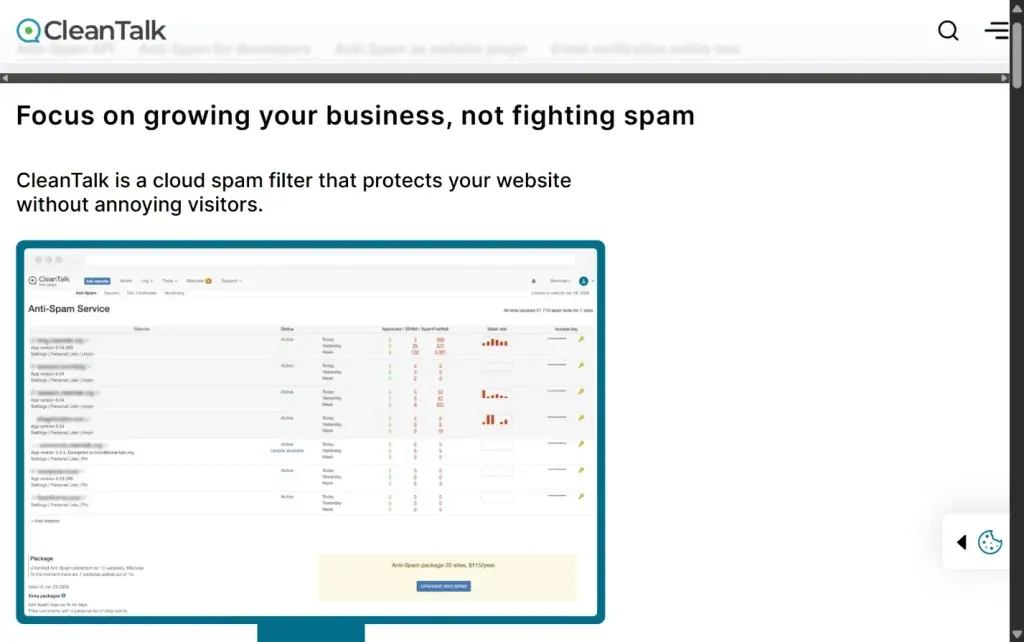
CleanTalk is one of the most powerful anti spam plugins for wordpress, designed for full-site protection.
It works as a cloud-based system that analyzes user behavior and blocks spam across comments, forms, and registrations.
Key Features
- Blocks spam across entire website
- Real-time IP and email validation
- Spam firewall
- Detailed logs
Pros
- Very high accuracy
- Covers all forms and WooCommerce
- No CAPTCHA required
Cons
- Paid plugin
- Uses cloud services
Best for: Businesses and eCommerce websites
3. Akismet Anti-Spam

Akismet is one of the oldest and most widely used anti spam plugins for wordpress.
It uses a global database of spam to filter out unwanted content automatically.
Key Features
- Global spam database
- Comment filtering
- Integration with WordPress
Pros
- Highly reliable
- Built-in WordPress integration
Cons
- Requires API key
- Paid for commercial use
Best for: Bloggers
4. WP Armour
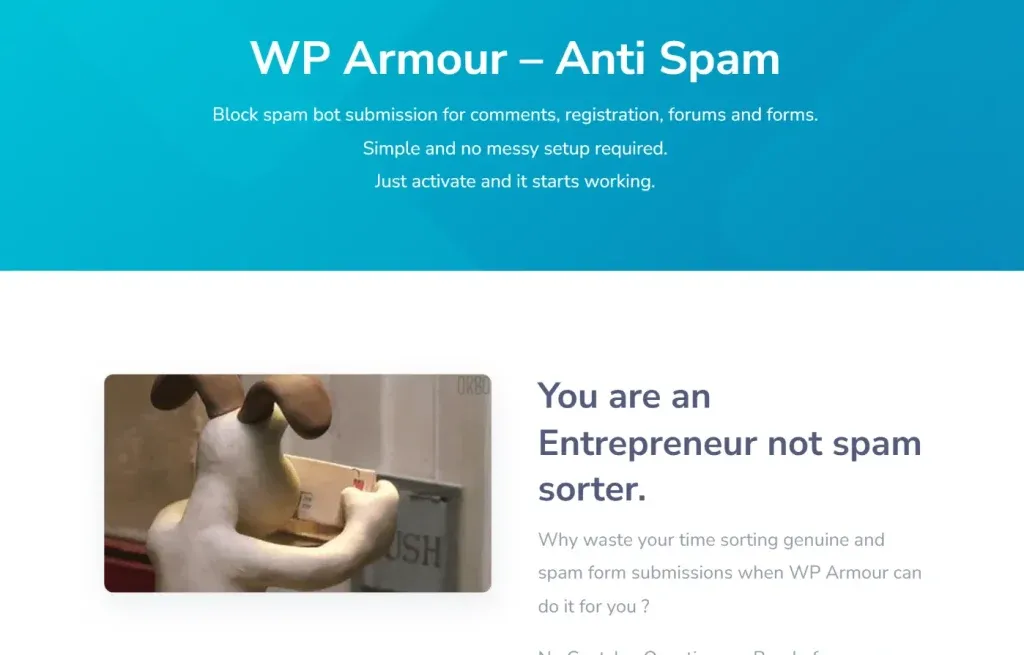
WP Armour uses a simple but effective honeypot technique to block spam bots without affecting real users.
It works invisibly in the background and does not require CAPTCHA or user interaction.
Key Features
- Honeypot spam protection
- No CAPTCHA required
- Local processing
Pros
- Lightweight
- Invisible to users
- Completely free
Cons
- Cannot stop manual spam
- Limited advanced detection
Best for: Basic bot protection
5. WordPress Zero Spam
WordPress Zero Spam is another lightweight plugin that combines honeypot and JavaScript validation to block spam.
It is especially useful for websites that use multiple forms.
Key Features
- Honeypot and JavaScript validation
- Protects forms and login pages
- Integrates with popular plugins
Pros
- Lightweight
- Free
- Wide compatibility
Cons
- Limited protection against human spam
Best for: Websites with multiple forms
6. All-in-One Security (AIOS)
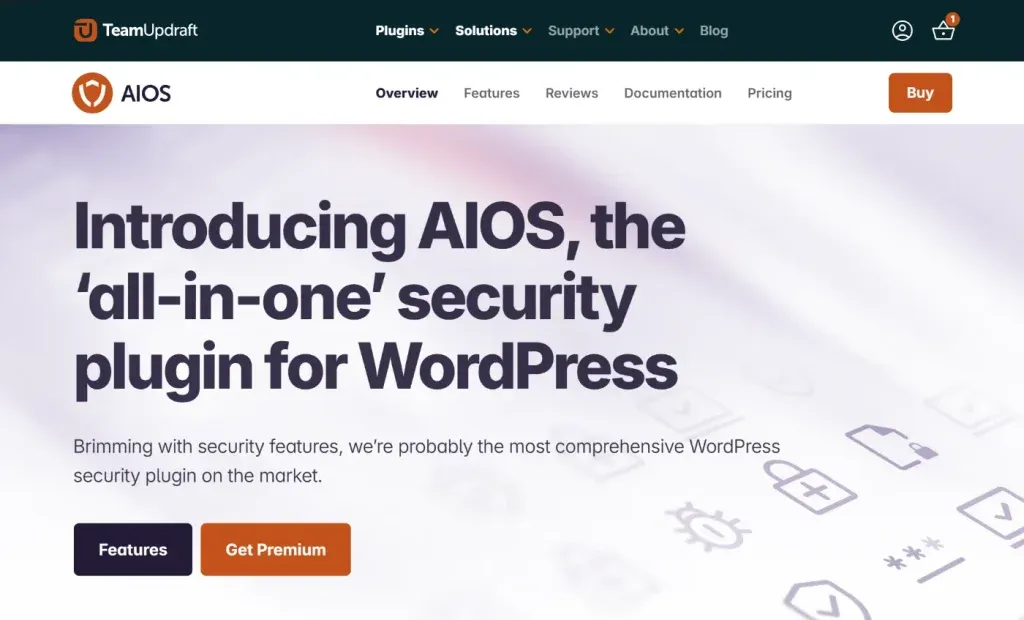
All-in-One Security is not just a spam plugin. It is a complete security solution that includes spam protection along with firewall and login security.
This makes it one of the most efficient anti spam plugins for wordpress for overall website protection.
Key Features
- Spam protection combined with firewall
- Login and registration security
- Cloudflare Turnstile integration
Pros
- All-in-one solution
- Covers entire website
- Lightweight for its features
Cons
- Slightly complex setup for beginners
For complete protection, performance optimization, and ongoing maintenance, Techippo Monthly Website Management Plans ensure your website stays secure, fast, and spam-free.
7. WP Cerber Security
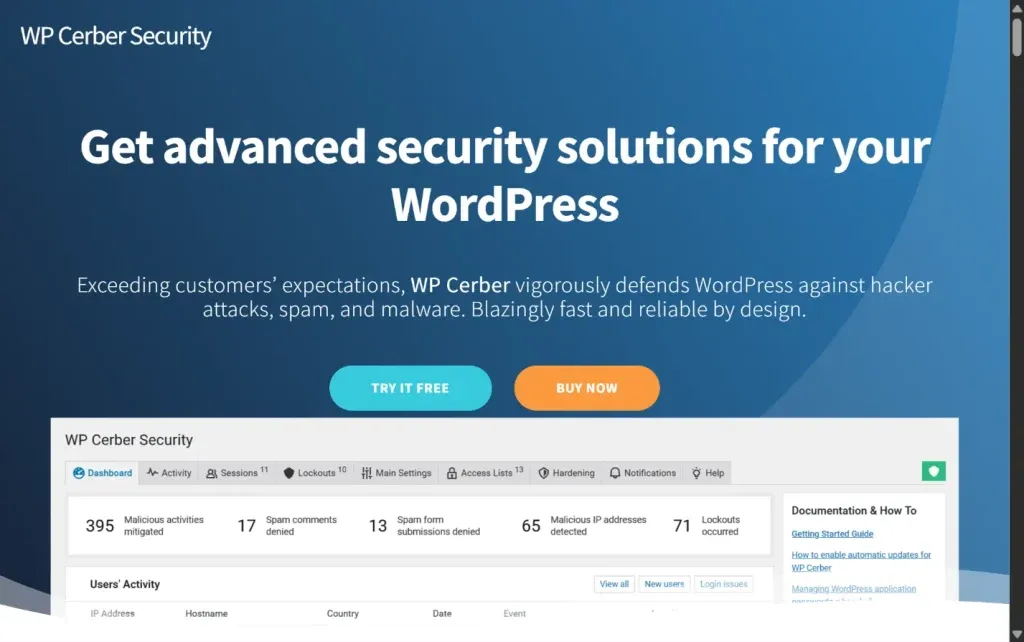
WP Cerber is a powerful security plugin with advanced spam detection and monitoring features.
It is designed for users who want detailed control over website security.
Key Features
- Advanced bot detection
- Traffic monitoring and logs
- Login and form protection
Pros
- Powerful and detailed
- Real-time monitoring
Cons
- Complex interface
- Not beginner-friendly
Best for: Advanced users and developers
8. Stop Spammers

Stop Spammers is an aggressive spam protection plugin designed for websites dealing with heavy spam attacks.
It uses large spam databases and blocking rules to prevent unwanted activity.
Key Features
- IP blacklist filtering
- Country blocking
- Spam database checks
Pros
- Highly aggressive blocking
- Advanced configuration options
Cons
- Can block real users
- Heavy on performance
Best for: Websites under heavy spam attacks
Price Comparison Table
Here is a quick pricing comparison of the most popular anti spam plugins for wordpress:
| Plugin | Free Version | Paid Plan |
|---|---|---|
| Antispam Bee | Yes | Free |
| CleanTalk | No | ~12 dollars per year |
| Akismet | Yes | Paid for business use |
| WP Armour | Yes | Free |
| WordPress Zero Spam | Yes | Free |
| AIOS | Yes | Paid upgrades available |
| WP Cerber | Yes | Paid upgrades available |
| Stop Spammers | Yes | Paid upgrades available |
This table helps you quickly compare which plugins offer free features and which require a paid subscription based on your needs.
Dedicated vs All-in-One Spam Protection
When choosing between different anti spam plugins for wordpress, you will notice that they fall into two main categories. Understanding this difference helps you pick the right solution based on your website needs.
Dedicated Plugins
Dedicated plugins are built for one purpose only, which is blocking spam.
- Focus only on spam protection
- Lightweight and fast
- Easy to install and use
These plugins are ideal if your main problem is comment spam or basic bot activity.
However, they usually protect only one area of your site, such as comments or forms, and do not cover login pages or deeper security issues.
Security Suites
Security suites take a broader approach by combining spam protection with other security features.
- Include firewall and login protection
- Cover multiple entry points such as comments, forms, and registrations
- Reduce the need for multiple plugins
These plugins provide better overall protection because they stop spam before it even reaches your website.
They are especially useful for business websites, eCommerce stores, and membership platforms.
How to Choose the Right Anti Spam Plugin
Choosing the right anti spam plugins for wordpress depends on your website type and how much protection you need.
Selection Tips
Choose lightweight plugins for blogs
If you run a simple blog, a lightweight plugin is enough to block comment spam without affecting performance.
Choose full protection for business sites
Business websites should use plugins that protect forms, logins, and user registrations.
Avoid multiple overlapping plugins
Installing multiple spam plugins can create conflicts and slow down your website.
Consider performance impact
Always choose plugins that are optimized and do not add unnecessary load to your serve.
For a secure and optimized website, Techippo Website Speed Optimization and Security Setup ensures your site stays fast, protected, and completely spam-free.
Common Mistakes to Avoid
Even with the best anti spam plugins for wordpress, mistakes in setup can reduce their effectiveness.
Avoid these common issues:
- Using multiple spam plugins at the same time
- Ignoring performance impact
- Relying only on CAPTCHA for protection
- Not securing login and registration forms
A proper setup is just as important as choosing the right plugin.
Frequently Asked Questions
Do I really need anti spam plugins for wordpress
Yes. Spam affects your website performance, SEO rankings, and user trust. Without proper protection, your website can quickly become cluttered with fake data and malicious activity.
Will anti spam plugins slow down my website
Lightweight plugins usually have no noticeable impact on performance. However, heavy or poorly optimized plugins can slow down your site if not configured correctly.
What is better honeypot or CAPTCHA
Honeypot is invisible and does not affect user experience, which makes it ideal for most websites. CAPTCHA is more aggressive and can block more bots, but it may frustrate real users.
Can I use two spam plugins together
It is not recommended. Using multiple plugins can create conflicts, duplicate filtering, and unnecessary load on your website.
How to stop WooCommerce spam orders
To stop fake WooCommerce orders, you need full-site protection. Plugins like CleanTalk or AIOS can block spam across checkout pages, login forms, and registrations.
Final Verdict: Best Anti Spam Plugins for WordPress
After comparing all options, here are the top recommendations:
- Best overall: CleanTalk
- Best free option: Antispam Bee
- Best lightweight solution: WP Armour
- Best all-in-one security: AIOS
For most websites, using a single all-in-one solution is the smartest approach. It reduces plugin conflicts, improves performance, and protects your entire website instead of just one section.
You May Also Want to Read
To further improve your website performance and security, check these guides:
- WordPress Website Slow to Load Causes Fixes and Proven Speed Optimization Steps
- Top 7 Best WordPress Website Builder Plugin
- RankMath vs Yoast Which Plugin Is Best to Add Keywords to WordPress Website
- How to Secure Your WordPress Website
These resources will help you build a faster, more secure, and better-optimized WordPress website.


 Reach us on WhatsApp